What We’re Building

Kubernetes NetworkPolicy namespace isolation is the foundation of any serious multi-tenant or microservices cluster security posture. Without explicit policies in place, every pod in your cluster can reach every other pod by default — across namespaces, across teams, across trust boundaries. That default-open behavior is fine for a development sandbox and a liability in production.
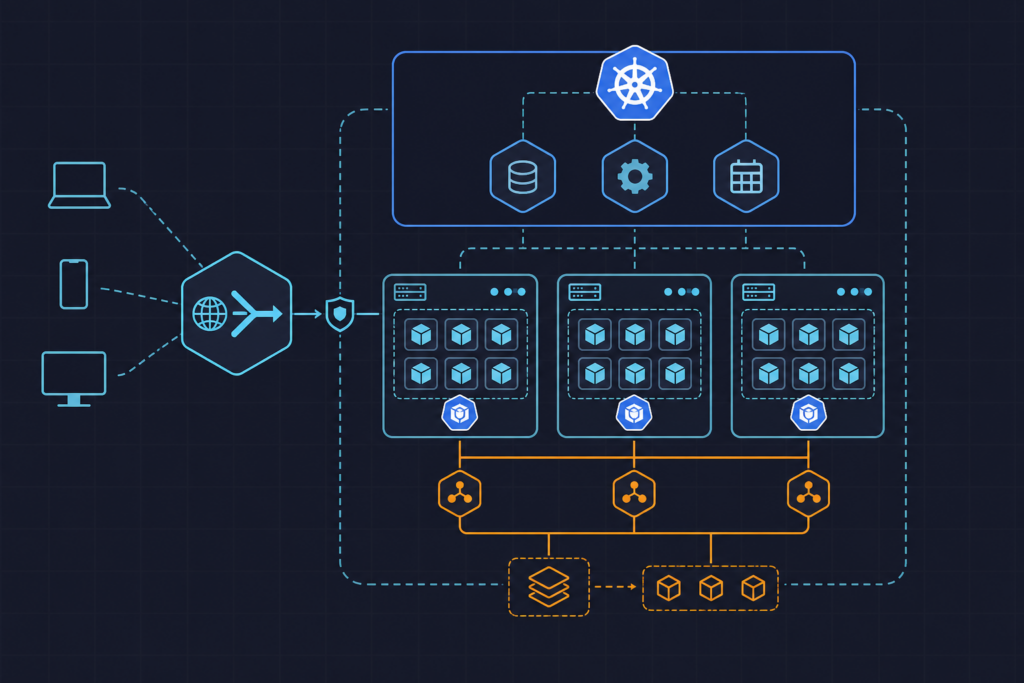
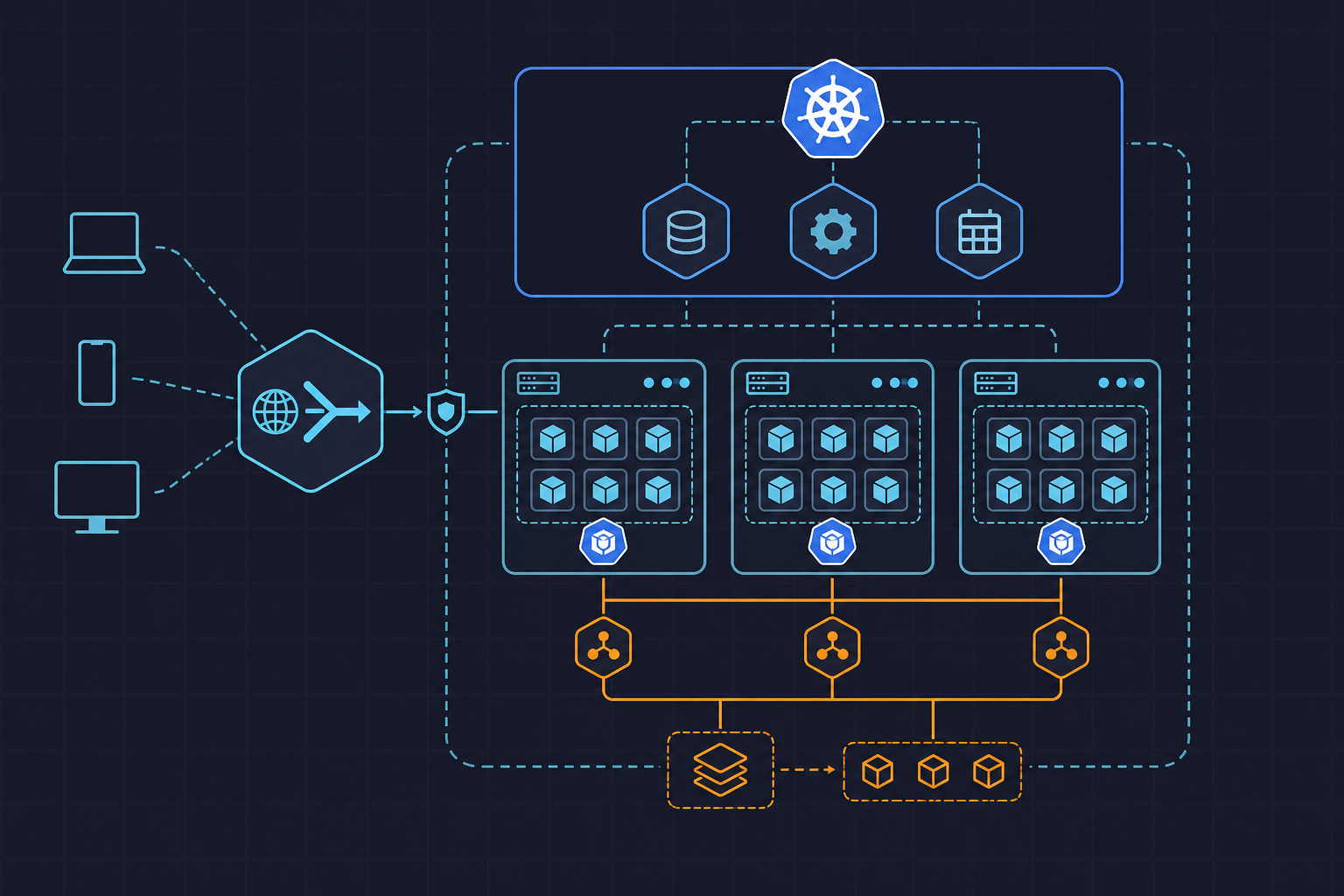
What we’re constructing here is a layered isolation model. The first layer is a deny-all baseline applied per namespace: no ingress, no egress, full stop. The second layer is a set of targeted allow rules that re-open only the traffic paths your workloads actually need — DNS resolution, intra-namespace pod communication, and controlled cross-namespace access for services like an ingress controller.
This model follows the principle that isolation should be the default state, and connectivity should be explicitly justified. Overlapping allow policies in Kubernetes are additive — there is no explicit deny rule you can write. That means the deny-all baseline must be present and correct before any allow rule you add has meaningful security value. We’ll verify the whole thing works using ephemeral test pods before calling it done.
For related Kubernetes operational patterns on this site, see the kuryzhev.cloud DevOps_DayS archive for posts on HPA/VPA rightsizing, Helm rollback strategy, and Argo CD progressive delivery.
Prerequisites
Before writing a single manifest, confirm the following conditions in your cluster. Skipping this step is the most common reason NetworkPolicy objects appear to apply successfully but have no actual effect.
CNI plugin with NetworkPolicy enforcement. The built-in kubenet plugin does not enforce NetworkPolicy objects — it silently ignores them. You need Calico, Cilium, Weave Net, or another CNI that explicitly supports the NetworkPolicy API. If you’re unsure what CNI is running, check the daemonset in kube-system:
kubectl get daemonset -n kube-systemLook for calico-node, cilium, or weave-net. If none of those are present, you’ll need to install a supported CNI before proceeding. The official Kubernetes NetworkPolicy documentation maintains a list of compatible plugins.
Labeled namespaces for cross-namespace selectors. The namespaceSelector field in a NetworkPolicy matches namespaces by label. Before you apply any cross-namespace allow rule, the source namespace must carry the label you intend to match. For the ingress controller example we’ll use later:
kubectl label namespace ingress-nginx role=ingress-controllerDo this for every namespace involved in a cross-namespace allow rule. A policy that references a label no namespace currently carries will silently allow nothing — and that’s a debugging session you don’t want.
kubectl access and a target namespace. You need kubectl configured against the correct cluster context, and at least one non-system namespace to target. The examples below use backend as the target namespace. Replace it with your own throughout.
kubectl create namespace backend
kubectl get networkpolicy -n backend
The second command should return “No resources found” — confirming the namespace currently has no policies and allows all traffic by default.
Applying the Deny-All Baseline Policies
The baseline comes first, always. Applying allow rules before the deny-all baseline is in place achieves nothing — you’re adding rules to a namespace that already permits everything. The order matters operationally: in production, you’ll want to apply the baseline and allow rules together in a single kubectl apply to avoid a window where traffic is blocked without DNS or intra-namespace communication restored.
We organize manifests under manifests/netpol/ per namespace, which keeps policies co-located with the workloads they govern and makes GitOps integration straightforward. The full baseline file below covers the deny-all policy plus the two most critical allow rules that must accompany it in every deployment.
The policyTypes field deserves attention. If you omit it, Kubernetes infers policy types from the presence of ingress or egress stanzas — which means a spec with neither stanza and no policyTypes field enforces nothing. Always declare policyTypes explicitly.
# manifests/netpol/baseline-isolation.yaml
# Apply per namespace: kubectl apply -f baseline-isolation.yaml -n <target-namespace>

---
# 1. Default deny all ingress and egress
apiVersion: networking.k8s.io/v1
kind: NetworkPolicy
metadata:
  name: default-deny-all
spec:
  podSelector: {}
  policyTypes:
    - Ingress
    - Egress

---
# 2. Allow DNS egress so pods can resolve service names
apiVersion: networking.k8s.io/v1
kind: NetworkPolicy
metadata:
  name: allow-dns-egress
spec:
  podSelector: {}
  policyTypes:
    - Egress
  egress:
    - ports:
        - protocol: UDP
          port: 53
        - protocol: TCP
          port: 53

---
# 3. Allow intra-namespace pod-to-pod communication
apiVersion: networking.k8s.io/v1
kind: NetworkPolicy
metadata:
  name: allow-same-namespace
spec:
  podSelector: {}
  policyTypes:
    - Ingress
    - Egress
  ingress:
    - from:
        - podSelector: {}
  egress:
    - to:
        - podSelector: {}

---
# 4. Allow ingress from a specific trusted namespace (e.g. ingress-nginx)
# Prerequisite: kubectl label namespace ingress-nginx role=ingress-controller
apiVersion: networking.k8s.io/v1
kind: NetworkPolicy
metadata:
  name: allow-ingress-controller
spec:
  podSelector:
    matchLabels:
      app: backend-api
  policyTypes:
    - Ingress
  ingress:
    - from:
        - namespaceSelector:
            matchLabels:
              role: ingress-controller
      ports:
        - protocol: TCP
          port: 8080
Apply the full file to your target namespace:
kubectl apply -f manifests/netpol/baseline-isolation.yaml -n backendConfirm all four policies landed:
kubectl get networkpolicy -n backendYou should see default-deny-all, allow-dns-egress, allow-same-namespace, and allow-ingress-controller listed. If any are missing, check for YAML parse errors with kubectl apply --dry-run=client.
Adding Explicit Allow Rules for Required Traffic
The baseline covers the common cases, but real workloads have additional traffic requirements. A backend service might need to reach a database in a separate data namespace, or a monitoring agent might need to scrape metrics across namespace boundaries. Each of these requires its own targeted NetworkPolicy.
The pattern is consistent: identify the source namespace, ensure it carries a label, write a policy in the destination namespace that permits ingress from that labeled namespace. Here’s an example allowing a monitoring namespace to scrape metrics from pods labeled app: backend-api on port 9090:
# manifests/netpol/allow-monitoring-scrape.yaml
apiVersion: networking.k8s.io/v1
kind: NetworkPolicy
metadata:
  name: allow-monitoring-scrape
  namespace: backend
spec:
  podSelector:
    matchLabels:
      app: backend-api
  policyTypes:
    - Ingress
  ingress:
    - from:
        - namespaceSelector:
            matchLabels:
              team: monitoring
      ports:
        - protocol: TCP
          port: 9090
Before applying, label the monitoring namespace:
kubectl label namespace monitoring team=monitoring
kubectl apply -f manifests/netpol/allow-monitoring-scrape.yaml
For egress to a database in another namespace, the policy lives in the source namespace and opens outbound traffic to the destination:
# manifests/netpol/allow-egress-to-data.yaml
apiVersion: networking.k8s.io/v1
kind: NetworkPolicy
metadata:
  name: allow-egress-to-data
  namespace: backend
spec:
  podSelector:
    matchLabels:
      app: backend-api
  policyTypes:
    - Egress
  egress:
    - to:
        - namespaceSelector:
            matchLabels:
              team: data
      ports:
        - protocol: TCP
          port: 5432
Note that this egress policy in backend is necessary but not sufficient on its own. The data namespace also needs a corresponding ingress allow rule permitting traffic from the backend namespace — otherwise the data namespace’s own deny-all baseline will drop the connection at the destination. Both sides of every cross-namespace path require a policy.
Use kubectl describe to verify that selectors are resolving as expected, especially when policies appear correct but traffic is still blocked:
kubectl describe networkpolicy allow-egress-to-data -n backendThe output shows the resolved pod set and namespace set the policy applies to. An empty pod set means the podSelector labels don’t match anything currently running — a common source of confusion when label names drift between the policy and the deployment manifest.
Verifying Isolation with Test Pods
Policy verification should be treated as a mandatory step, not an optional sanity check. The only reliable way to confirm that isolation is working as intended is to probe actual traffic paths from inside the cluster. kubectl describe tells you what the policy says; a test pod tells you what the network actually does.
The standard probe is a temporary busybox pod with --rm so it cleans up after the test. Run it from the namespace you want to test from, targeting a service in the namespace you want to test to.
First, confirm that a pod in an unrelated namespace — one that should be blocked — cannot reach the backend service:
# Launch a probe from the 'frontend' namespace (should be blocked by backend's deny-all)
kubectl run test-probe \
  --image=busybox \
  --rm -it \
  --restart=Never \
  -n frontend \
  -- wget -qO- --timeout=5 http://backend-api.backend.svc.cluster.local:8080
The expected result is a timeout or connection refused. If the request succeeds, the deny-all baseline in the backend namespace is not in effect — go back and verify your CNI plugin supports NetworkPolicy enforcement.
Next, confirm that the ingress controller namespace can reach the backend service, since we explicitly allowed it:
# Launch a probe from the 'ingress-nginx' namespace (should be permitted)
kubectl run test-probe \
  --image=busybox \
  --rm -it \
  --restart=Never \
  -n ingress-nginx \
  -- wget -qO- --timeout=5 http://backend-api.backend.svc.cluster.local:8080
This should return a valid HTTP response. If it times out, check that the ingress-nginx namespace carries the role=ingress-controller label and that the pods in backend carry the app=backend-api label that the allow-ingress-controller policy targets.
Finally, verify DNS resolution is working from within the backend namespace itself — a broken DNS allow rule produces failures that look like network connectivity problems but are actually name resolution failures:
kubectl run dns-test \
  --image=busybox \
  --rm -it \
  --restart=Never \
  -n backend \
  -- nslookup kubernetes.default.svc.cluster.local
A successful response confirms the allow-dns-egress policy is working. A timeout here means UDP/TCP port 53 egress is still blocked — re-check that the allow-dns-egress policy was applied to the correct namespace and that policyTypes includes Egress.
What to Do Next
The baseline isolation model you’ve built here is a solid foundation, but production environments typically need to go further in three directions.
Policy auditing and drift detection. NetworkPolicy objects are easy to accumulate and hard to audit manually. Tools like Cilium’s policy visibility and Calico’s calicoctl provide flow-level visibility into which policies are matching traffic in real time. For clusters without Cilium, kubectl get networkpolicy --all-namespaces combined with a policy linting tool like kube-score or netassert gives you a baseline audit capability.
Advanced CNI features. Standard Kubernetes NetworkPolicy is limited to L4 (IP, port, protocol). If you need L7 policy — restricting HTTP methods, paths, or gRPC service names — you need a CNI that extends the API. Cilium’s CiliumNetworkPolicy CRD supports HTTP-aware rules, and Calico’s GlobalNetworkPolicy covers cluster-wide baseline rules that don’t need to be replicated per namespace. Both are worth evaluating once the L4 baseline is stable.
GitOps integration. NetworkPolicy manifests should live in the same Git repository as the workloads they govern, applied via the same Argo CD application or Helm chart. Treating policies as a separate operational concern leads to drift. A practical approach is to include a netpol/ directory in each service’s Helm chart and enforce policy presence as a Helm chart linting requirement in CI — so a new namespace without a deny-all baseline fails the pipeline before it reaches the cluster.
The verification patterns from this tutorial translate directly into automated tests: the same wget and nslookup probes can run as Kubernetes Job objects in a post-deployment test stage, giving you continuous confirmation that policy intent matches cluster reality after every release.