The Problem
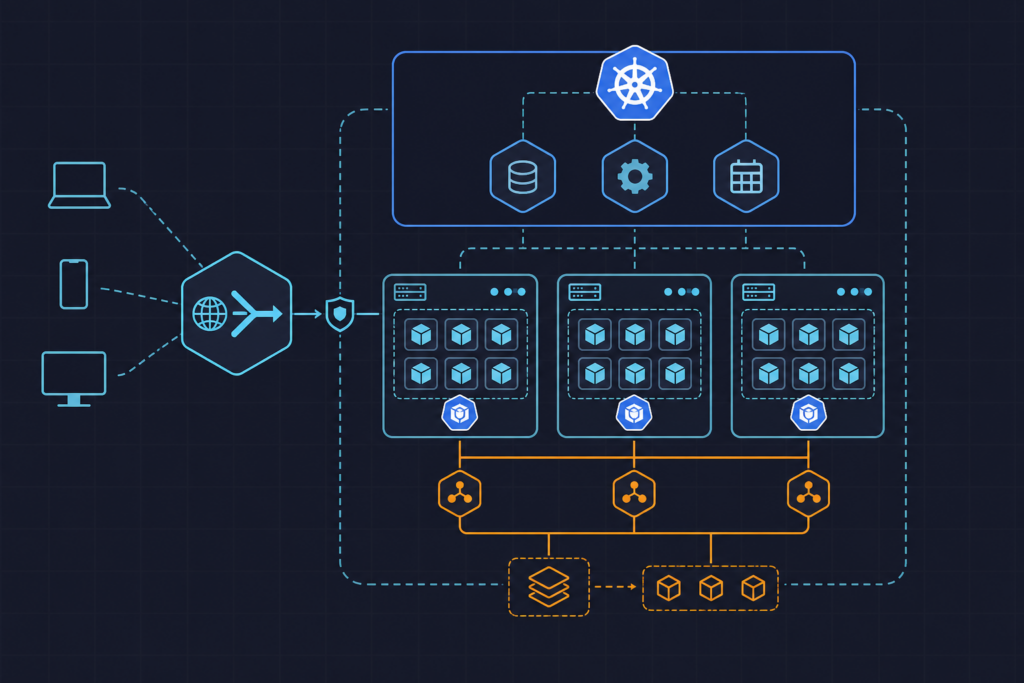
Postgres running inside Kubernetes looks deceptively stable until something goes wrong. A PersistentVolumeClaim gets deleted during a namespace cleanup. A node is drained and the pod reschedules with a fresh volume. A developer runs kubectl delete pvc without realizing the data wasn’t backed up elsewhere. These aren’t hypothetical scenarios — they happen in real clusters, and the consequences range from painful to catastrophic depending on how long it takes to notice.
The usual response is to add a manual backup step to a runbook, which works exactly as well as any manual process does: inconsistently. What we actually need is a backup mechanism that runs on a fixed schedule, requires no human involvement, stores dumps outside the cluster, and leaves an auditable record of success or failure. Kubernetes gives us the right primitive for this: the CronJob.
Approach
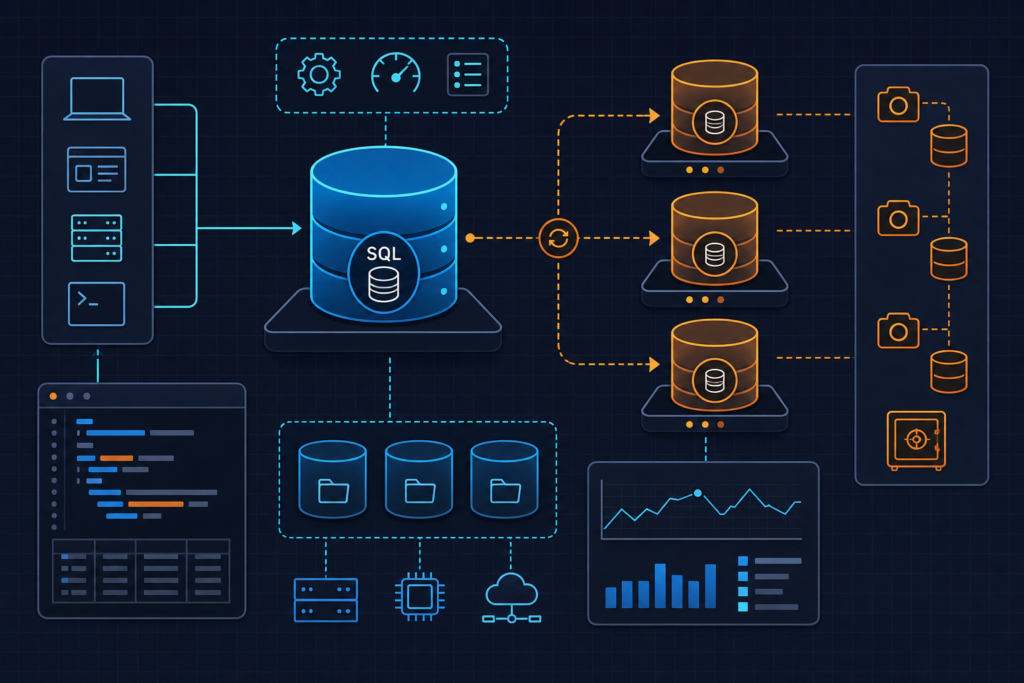
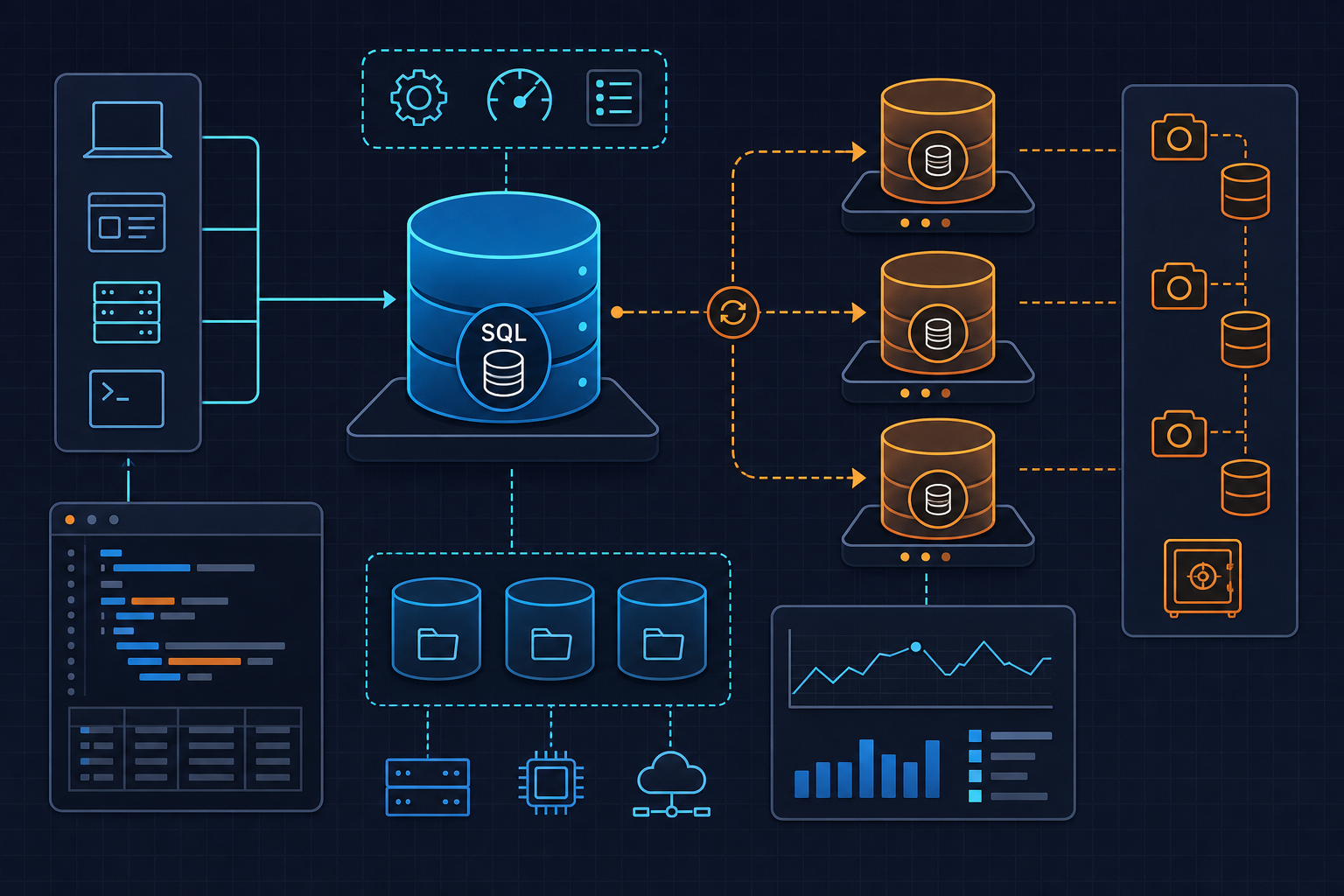
The strategy here is deliberately simple. A Kubernetes CronJob fires once per day at 02:00 UTC, spinning up a disposable pod based on the official postgres:16-alpine image — which ships with pg_dump already installed. The pod runs a short shell script that produces a compressed custom-format dump using pg_dump -Fc, names the file with a timestamp, and uploads it to an S3-compatible bucket using the AWS CLI. When the script exits, the pod is gone.
All credentials — Postgres connection details and AWS keys — live in a Kubernetes Secret and are injected as environment variables. Nothing sensitive touches the manifest itself. Retention is handled at the S3 layer using lifecycle rules, which keeps the backup pod’s responsibilities narrow and the script easy to reason about.
This approach works against any S3-compatible endpoint, including MinIO, Backblaze B2, or Cloudflare R2 with minimal changes to the endpoint configuration.
Configuring Secrets and the Backup Script
Before writing the CronJob manifest, we need a Secret that holds every value the backup script will consume. Grouping all credentials into a single Secret lets us use envFrom rather than listing each variable individually — cleaner manifests, fewer places to forget an update.
The Secret below uses stringData so values are human-readable before Kubernetes base64-encodes them at admission time. In a real environment you would manage this through Sealed Secrets, External Secrets Operator, or your vault of choice rather than committing the raw values to source control.
apiVersion: v1
kind: Secret
metadata:
  name: postgres-backup-secret
  namespace: production
type: Opaque
stringData:
  PGHOST: "postgres-service"
  PGPORT: "5432"
  PGDATABASE: "appdb"
  PGUSER: "backup_user"
  PGPASSWORD: "changeme"
  AWS_ACCESS_KEY_ID: "AKIAIOSFODNN7EXAMPLE"
  AWS_SECRET_ACCESS_KEY: "wJalrXUtnFEMI/K7MDENG/bPxRfiCYEXAMPLEKEY"
  AWS_DEFAULT_REGION: "us-east-1"
  S3_BUCKET: "s3://my-org-db-backups/postgres"
The backup logic itself runs as an inline shell script inside the container’s command field. It follows a strict pattern: set strict error handling with set -euo pipefail, construct a timestamped filename, run pg_dump, upload the result, and exit. Any non-zero exit code causes the step to fail immediately rather than silently continuing.
The dump filename pattern ${PGDATABASE}_${TIMESTAMP}.pgc makes it straightforward to identify which database and when at a glance inside the bucket, and to sort by date without parsing metadata.
Writing the CronJob Manifest
Several CronJob fields deserve deliberate attention rather than copy-paste defaults. concurrencyPolicy: Forbid prevents a second backup job from starting if the previous one is still running — important for large databases where a dump might take longer than expected. backoffLimit: 2 gives the Job two retry attempts before Kubernetes marks it failed. activeDeadlineSeconds: 1800 kills the pod automatically if it runs for more than thirty minutes, preventing a hung AWS CLI upload from occupying resources indefinitely.
One mistake that surfaces frequently in cluster audits: setting restartPolicy: Always on a Job pod. Kubernetes will reject this — Job pods must use Never or OnFailure. We use OnFailure here so the same pod restarts on transient errors without creating a new pod identity each time.
The complete manifest, combining the Secret and CronJob into a single deployable file:
# postgres-backup-cronjob.yaml
apiVersion: v1
kind: Secret
metadata:
  name: postgres-backup-secret
  namespace: production
type: Opaque
stringData:
  PGHOST: "postgres-service"
  PGPORT: "5432"
  PGDATABASE: "appdb"
  PGUSER: "backup_user"
  PGPASSWORD: "changeme"
  AWS_ACCESS_KEY_ID: "AKIAIOSFODNN7EXAMPLE"
  AWS_SECRET_ACCESS_KEY: "wJalrXUtnFEMI/K7MDENG/bPxRfiCYEXAMPLEKEY"
  AWS_DEFAULT_REGION: "us-east-1"
  S3_BUCKET: "s3://my-org-db-backups/postgres"
---
apiVersion: batch/v1
kind: CronJob
metadata:
  name: postgres-backup
  namespace: production
spec:
  schedule: "0 2 * * *"
  concurrencyPolicy: Forbid
  successfulJobsHistoryLimit: 3
  failedJobsHistoryLimit: 3
  jobTemplate:
    spec:
      backoffLimit: 2
      activeDeadlineSeconds: 1800
      template:
        spec:
          restartPolicy: OnFailure
          containers:
            - name: pg-backup
              image: postgres:16-alpine
              command:
                - /bin/sh
                - -c
                - |
                  set -euo pipefail
                  apk add --no-cache aws-cli > /dev/null 2>&1
                  TIMESTAMP=$(date +%Y%m%dT%H%M%S)
                  DUMP_FILE="/tmp/${PGDATABASE}_${TIMESTAMP}.pgc"
                  echo "Starting backup: ${DUMP_FILE}"
                  pg_dump -Fc -h "$PGHOST" -p "$PGPORT" -U "$PGUSER" "$PGDATABASE" \
                    -f "$DUMP_FILE"
                  echo "Uploading to ${S3_BUCKET}/"
                  aws s3 cp "$DUMP_FILE" "${S3_BUCKET}/${PGDATABASE}_${TIMESTAMP}.pgc"
                  echo "Backup complete."
              envFrom:
                - secretRef:
                    name: postgres-backup-secret
              resources:
                requests:
                  cpu: "100m"
                  memory: "128Mi"
                limits:
                  cpu: "500m"
                  memory: "512Mi"
          securityContext:
            runAsNonRoot: true
            runAsUser: 999
The securityContext block runs the container as UID 999 — the default postgres user in the official image — rather than root. This is a minor but meaningful hardening step that costs nothing.
Apply the manifest with:
kubectl apply -f postgres-backup-cronjob.yamlHandling Retention and Storage
Uploading dumps indefinitely fills a bucket and accumulates storage costs. There are two clean approaches to retention, and which one you choose depends on how much control you want inside the backup pod versus at the infrastructure layer.
Option 1 — S3 Lifecycle Rules (recommended): Define a lifecycle rule on the bucket that expires objects under the postgres/ prefix after a set number of days. This requires no changes to the CronJob and survives script modifications without accidentally breaking retention logic. In the AWS console or via the CLI:
aws s3api put-bucket-lifecycle-configuration \
  --bucket my-org-db-backups \
  --lifecycle-configuration '{
    "Rules": [
      {
        "ID": "expire-postgres-backups",
        "Filter": { "Prefix": "postgres/" },
        "Status": "Enabled",
        "Expiration": { "Days": 30 }
      }
    ]
  }'
Option 2 — In-script deletion: If you’re working with a non-AWS S3-compatible endpoint that doesn’t support lifecycle rules, you can extend the backup script to list objects older than a threshold and delete them. The approach uses aws s3 ls output piped through awk with date arithmetic. This works but adds complexity and a failure mode — if the deletion step errors, the entire backup job fails. Keep the lifecycle rule approach where possible.
For teams already running rclone in their infrastructure, rclone copy combined with rclone delete --min-age 30d is a portable alternative that works identically across AWS, GCS, Azure Blob, and self-hosted endpoints.
Verify It Works
Don’t wait for 02:00 UTC to find out whether the CronJob is correctly configured. Kubernetes lets you trigger a one-off Job from an existing CronJob definition immediately:
kubectl create job --from=cronjob/postgres-backup manual-backup-001 \
  -n production
Watch the pod come up and stream its logs:
kubectl get pods -n production -w -l job-name=manual-backup-001

kubectl logs -n production -l job-name=manual-backup-001 --follow
You should see output similar to:
Starting backup: /tmp/appdb_20250526T021503.pgc
Uploading to s3://my-org-db-backups/postgres/
upload: /tmp/appdb_20250526T021503.pgc to s3://my-org-db-backups/postgres/appdb_20250526T021503.pgc
Backup complete.
Confirm the file exists in the bucket:
aws s3 ls s3://my-org-db-backups/postgres/ --human-readableThen verify the dump is actually restorable — this step is skipped far too often. Spin up a throwaway Postgres container and run pg_restore against the downloaded file:
aws s3 cp s3://my-org-db-backups/postgres/appdb_20250526T021503.pgc /tmp/

pg_restore --list /tmp/appdb_20250526T021503.pgc | head -20

pg_restore -d postgres://restore_user:password@localhost:5432/restore_target \
  /tmp/appdb_20250526T021503.pgc
A backup you haven’t restored from is a backup you haven’t verified. Treat restore testing as part of the implementation, not an optional follow-up.
Check the Job’s final status and confirm history limits are working as expected:
kubectl get jobs -n production
kubectl describe cronjob postgres-backup -n production
Related Ideas
Alerting on failed Jobs. The CronJob will mark a Job as failed after exhausting backoffLimit retries, but nothing notifies anyone by default. A Prometheus alert on kube_job_status_failed or a simple EventBridge rule watching for Kubernetes events is worth adding before this reaches production. Silence from a backup job is not the same as success.
Encrypting dumps at rest. The dump lands in S3 unencrypted beyond whatever server-side encryption the bucket applies. For sensitive data, pipe the pg_dump output through gpg --encrypt before writing to disk, or use pg_dump | gpg -e -r keyid | aws s3 cp - s3://bucket/file.pgc.gpg to avoid writing the plaintext to the pod’s ephemeral filesystem at all.
Extending the pattern to other databases. The CronJob structure here is database-agnostic. Swap postgres:16-alpine for mysql:8 and replace the pg_dump call with mysqldump, and you have MySQL backups with the same scheduling, retry, and upload logic. Redis snapshots, MongoDB mongodump, and even flat-file exports from application pods follow the same template.
Promoting to a Helm chart. Once this pattern stabilizes across multiple databases or namespaces, wrapping the Secret and CronJob in a Helm chart with values for schedule, database name, bucket path, and retention period makes it reusable across environments without duplicating manifests. The existing post on Helm chart environment overrides covers the override mechanics if you need a reference point.