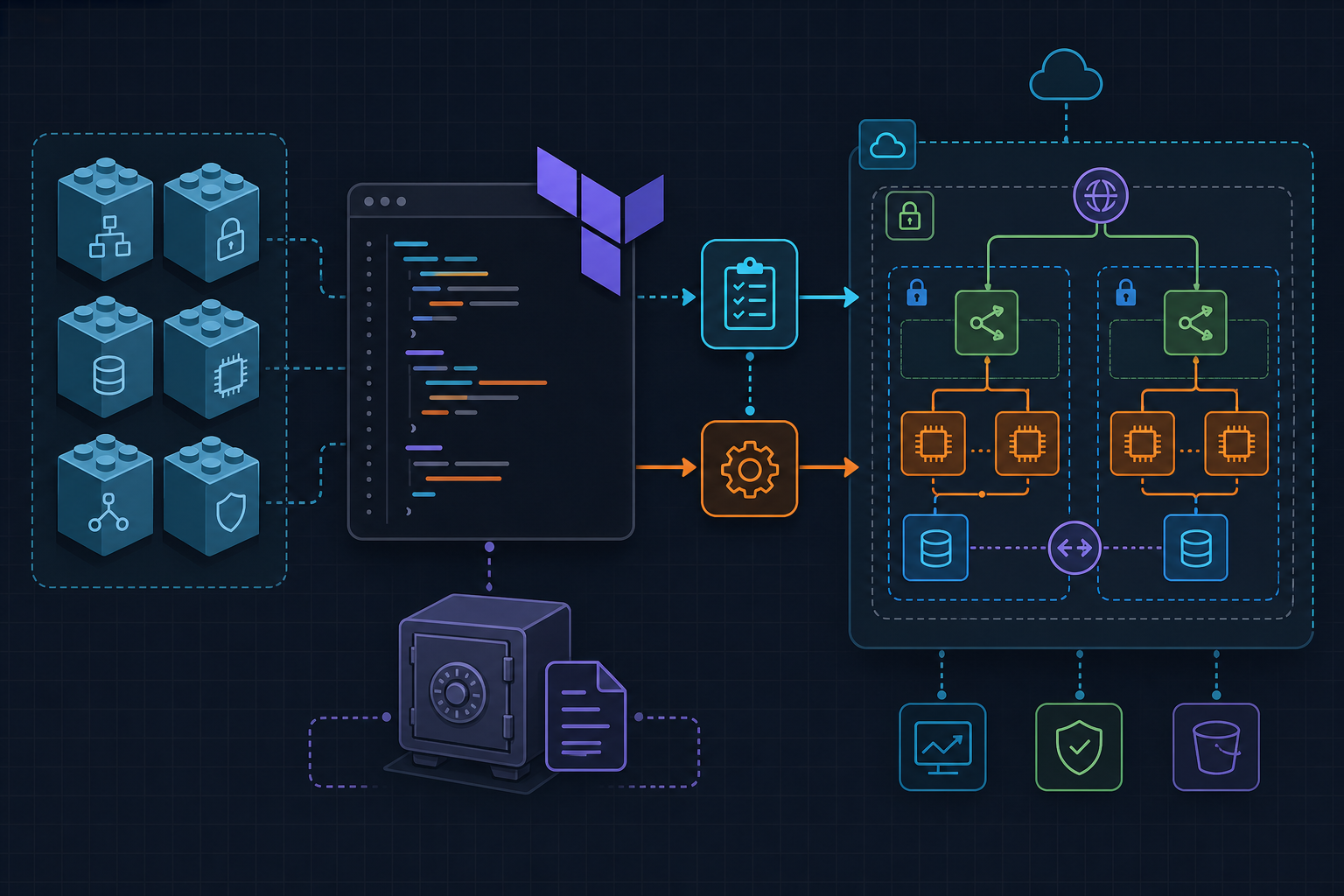
All three modules provisioned in whatever order Terraform felt like. The IAM module was referencing module.vpc.vpc_id before the VPC existed, and the plan blew up with Error: Invalid count argument. Adding depends_on = [module.vpc] to the IAM module block fixed it.
That error surfaces when you reference a module output that hasn’t been resolved yet , Terraform can’t compute the count or for_each expression during planning. It’s not a logic problem in your code; it’s an ordering problem. The fix is explicit: declare the dependency, don’t assume Terraform infers it from the reference alone.
backend “s3” and terraform init
The remote state bucket has to exist before you run terraform init. That’s not negotiable.
Bootstrap it manually or with a separate throwaway root module you run once. If the bucket is missing, init fails immediately and the error message isn’t always obvious about why. Once the bucket exists, the backend block below works as-is. The key path infra/terraform.tfstate can be anything , just keep it consistent across your team so nobody initializes against a different state file by accident. Also: never put secrets in terraform.tfvars and commit it. The file overrides variable defaults cleanly, which is exactly why it’s dangerous when it holds credentials.
# main.tf

terraform {
  required_providers {
    aws = {
      source  = "hashicorp/aws"
      version = "~> 5.0"
    }
  }
  backend "s3" {
    bucket = "my-tfstate-bucket"
    key    = "infra/terraform.tfstate"
    region = "us-east-1"
  }
}

provider "aws" {
  region = var.region
}

module "vpc" {
  source  = "terraform-aws-modules/vpc/aws"
  version = "~> 5.0"

  name            = "prod-vpc"
  cidr            = "10.0.0.0/16"
  azs             = ["us-east-1a", "us-east-1b"]
  private_subnets = ["10.0.1.0/24", "10.0.2.0/24"]
  public_subnets  = ["10.0.101.0/24", "10.0.102.0/24"]
  enable_nat_gateway = true
  single_nat_gateway = true
}

module "s3_bucket" {
  source  = "terraform-aws-modules/s3-bucket/aws"
  version = "~> 4.0"

  bucket        = "my-app-assets-${var.env}"
  force_destroy = true
  versioning = {
    enabled = true
  }
}

module "iam_role" {
  source = "./modules/iam"

  role_name   = "ec2-app-role"
  policy_arns = ["arn:aws:iam::aws:policy/AmazonS3ReadOnlyAccess"]
  vpc_id      = module.vpc.vpc_id

  depends_on = [module.vpc]
}

output "vpc_id" {
  value = module.vpc.vpc_id
}

output "s3_bucket_name" {
  value = module.s3_bucket.s3_bucket_id
}
Pin every registry module with version = "~> 5.0". The tilde-arrow constraint allows patch and minor bumps within the major version and blocks breaking changes from silent upgrades. Skip pinning once and a collaborator running terraform init six months later pulls a different module version than you tested against.
force_destroy, versioning, and iam_role_arn outputs
Two things about the S3 module block that catch people.
First, force_destroy = true is required if you ever plan to run terraform destroy on a bucket that has objects in it. Without it, destroy fails and leaves the bucket behind. It’s a reasonable default to set in non-production environments and a deliberate choice to leave out in production. Second, versioning in the community S3 module isn’t a simple boolean , it’s a map: versioning = { enabled = true }. Passing versioning = true directly throws a type error that’s easy to misread.
The local IAM module outputs iam_role_arn and iam_instance_profile_arn. Reference them in downstream modules as module.iam_role.iam_role_arn. Attach additional policies with aws_iam_role_policy_attachment resources outside the module rather than inline policy blocks , it keeps the module reusable across environments without baking permissions into the module source itself.
When debugging a single module without running the full plan, terraform plan -target=module.vpc scopes output to just that module. And after apply, terraform output -json dumps all root outputs as machine-readable JSON , pipe it into scripts or feed it into a downstream configuration step without touching the state file directly.