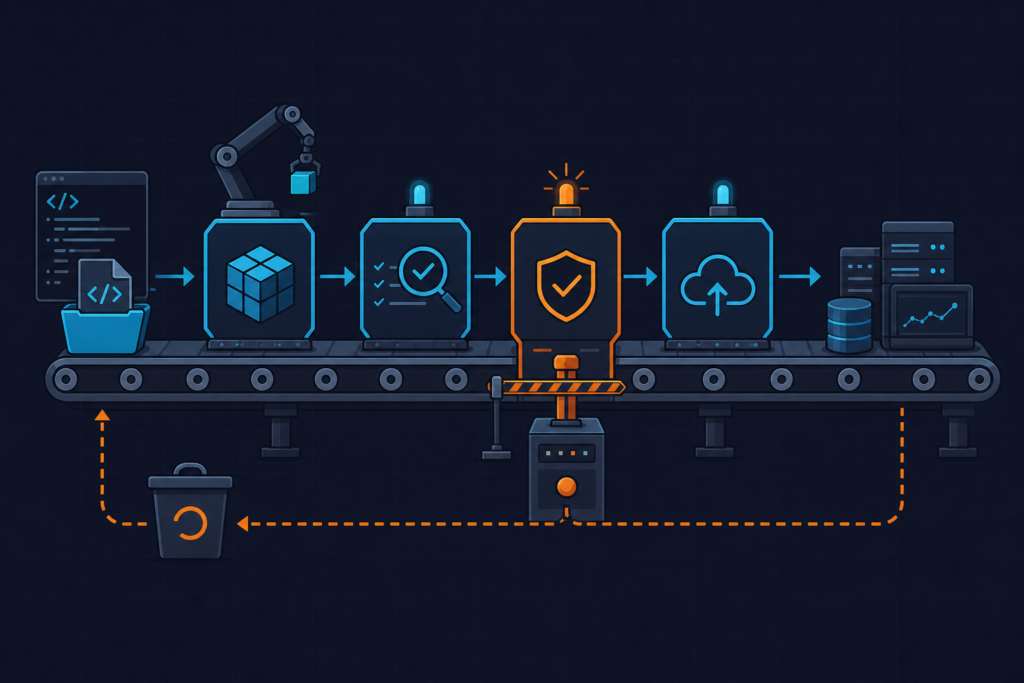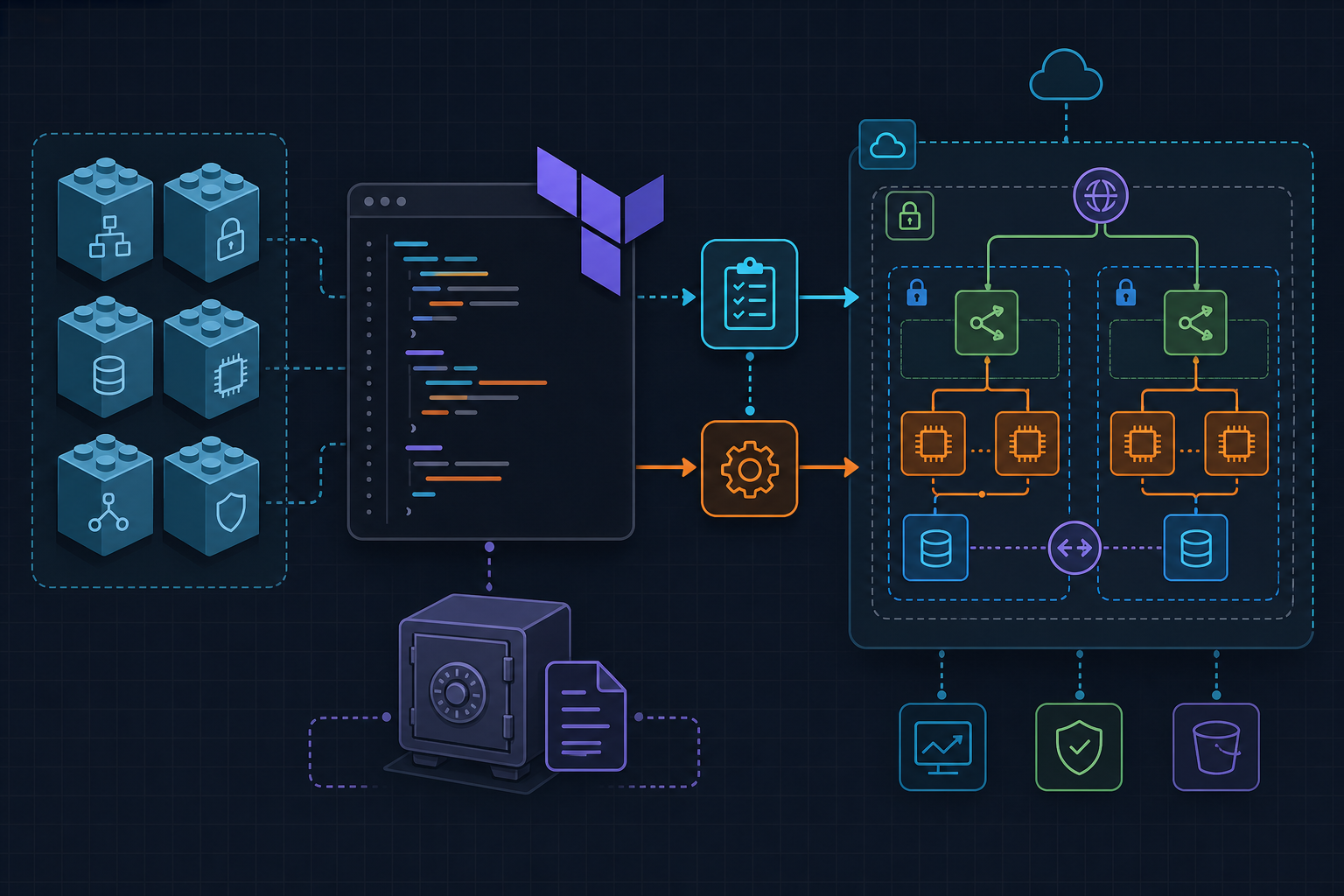
Every Terraform project that provisions infrastructure with credentials eventually runs into the same uncomfortable reality: those values end up in .tfstate as plaintext JSON. HashiCorp Vault solves this by acting as the authoritative source for secrets, letting Terraform read them dynamically through a provider rather than storing them in variables or environment files. The gap between “it works locally” and “it’s safe in production” is exactly what this tutorial closes.
Requirements
Before writing a single line of HCL, confirm the following is in place:
- Terraform 1.6.0 or later — the version constraint in the code below enforces this.
- Vault CLI installed locally. For development, the dev server is sufficient. Start it with:
vault server -dev -dev-root-token-id="root"- Two environment variables exported in your shell session:
export VAULT_ADDR="http://127.0.0.1:8200"
export VAULT_TOKEN="root"- KV v2 secrets engine enabled at the
secret/path. If you are using a fresh dev server this is enabled automatically, but on any other instance run:
vault secrets enable -path=secret kv-v2- A test secret written to Vault before Terraform runs:
vault kv put secret/myapp/database username="appuser" password="s3cr3t"- AWS credentials configured — either via environment variables or an IAM instance profile — since the example provisions an RDS instance.
- Remote state backend with encryption configured for any environment beyond local development. An S3 backend with a KMS key is the standard choice on AWS. Vault protects secrets at read time, but Terraform state still persists resolved values as plaintext JSON — encryption at rest on the backend is non-negotiable in production.
Implementation
The project uses four files: providers.tf, variables.tf, secrets.tf, and outputs.tf. Keeping provider configuration and secret data sources in separate files makes it straightforward to audit what is touching Vault without reading through resource definitions.
Start with providers.tf. The address argument accepts either a hardcoded string or a variable — we use a variable so the same configuration works against both the local dev server and a production Vault cluster without edits. The token is never written to disk; the provider reads it from VAULT_TOKEN at runtime.
# providers.tf
terraform {
  required_providers {
    vault = {
      source  = "hashicorp/vault"
      version = "~> 3.25"
    }
  }
  required_version = ">= 1.6.0"
}

provider "vault" {
  address = var.vault_addr  # set VAULT_ADDR env var as alternative
  # token read from VAULT_TOKEN env var; avoid hardcoding
}

# variables.tf
variable "vault_addr" {
  type    = string
  default = "http://127.0.0.1:8200"
}
With the provider wired up, secrets.tf defines a vault_kv_secret_v2 data source that fetches the full secret map from the path we wrote earlier. The mount argument matches the engine path (secret), and name is the key path beneath it. Individual values are then extracted into locals so downstream resources reference a named local rather than the verbose data source attribute — this also makes it easier to swap the secret path later without touching every resource block.
One important detail: referencing data.vault_kv_secret_v2.db_creds.data["password"] directly inside a resource does not automatically suppress the value in terraform plan output. Wrapping the extraction in locals and marking any output blocks as sensitive = true is the correct mitigation.
# secrets.tf
data "vault_kv_secret_v2" "db_creds" {
  mount = "secret"
  name  = "myapp/database"
}

# Expose a specific key from the secret map
locals {
  db_password = data.vault_kv_secret_v2.db_creds.data["password"]
  db_username = data.vault_kv_secret_v2.db_creds.data["username"]
}

# Example: pass secret into a resource without leaking in plan output
resource "aws_db_instance" "app" {
  identifier        = "myapp-db"
  engine            = "postgres"
  instance_class    = "db.t3.micro"
  allocated_storage = 20
  username          = local.db_username
  password          = local.db_password
  skip_final_snapshot = true
}

# outputs.tf
output "db_endpoint" {
  value       = aws_db_instance.app.endpoint
  description = "Database connection endpoint"
}

# Mark any secret-adjacent output sensitive to suppress plan display
output "db_username" {
  value     = local.db_username
  sensitive = true
}
Run terraform init to download the Vault provider, then terraform plan. You should see the RDS resource scheduled for creation with the username and password fields shown as (sensitive value) rather than the actual strings.
Test the Setup
Verification covers three things: the secret is retrieved correctly, the plan output does not expose plaintext, and rotating the secret in Vault propagates on the next apply.
Confirm secret retrieval. After terraform apply, check the RDS instance was created with the correct credentials by connecting to it using the endpoint from the db_endpoint output and the credentials stored in Vault. Do not print the password to the terminal — use a secrets-aware tool or connect directly from the application.
Inspect the plan output. Run terraform plan and verify that any field referencing local.db_password or local.db_username displays (sensitive value). If you see the raw string, an output block or a resource argument is missing the sensitive marker or is referencing the data source directly rather than through locals.
Validate state file handling. Open the local state file and search for the password string:
grep "s3cr3t" terraform.tfstateYou will find it. This is expected behavior and the reason remote state with KMS encryption is mandatory before this pattern goes anywhere near production. The Vault provider does not prevent Terraform from persisting resolved values — it only removes them from source-controlled configuration files.
Test secret rotation. Update the secret in Vault:
vault kv put secret/myapp/database username="appuser" password="n3wP4ss"Run terraform plan again. Terraform will detect a drift between the current RDS password and the value now returned by the data source, and will propose an in-place update. This is the rotation workflow: update in Vault, re-apply Terraform. For fully automated rotation, a Vault dynamic secrets engine for databases removes the manual step entirely — the provider generates short-lived credentials on each plan rather than reading a static value.
- The Vault provider reads secrets at plan time; credentials are never stored in
.tffiles or version control. - Always mark outputs that expose secret-adjacent values with
sensitive = true— Terraform will not redact them automatically based on data source type alone. - Terraform state still contains resolved plaintext values; pair this setup with an encrypted remote backend (S3 + KMS) before moving to any shared environment.
- The
VAULT_TOKENenvironment variable is the simplest auth method for development; in production, switch to AppRole or AWS IAM auth to eliminate long-lived tokens entirely. - For databases, evaluate Vault’s dynamic secrets engine as a natural next step — it issues unique, time-limited credentials per Terraform run rather than rotating a single static password.