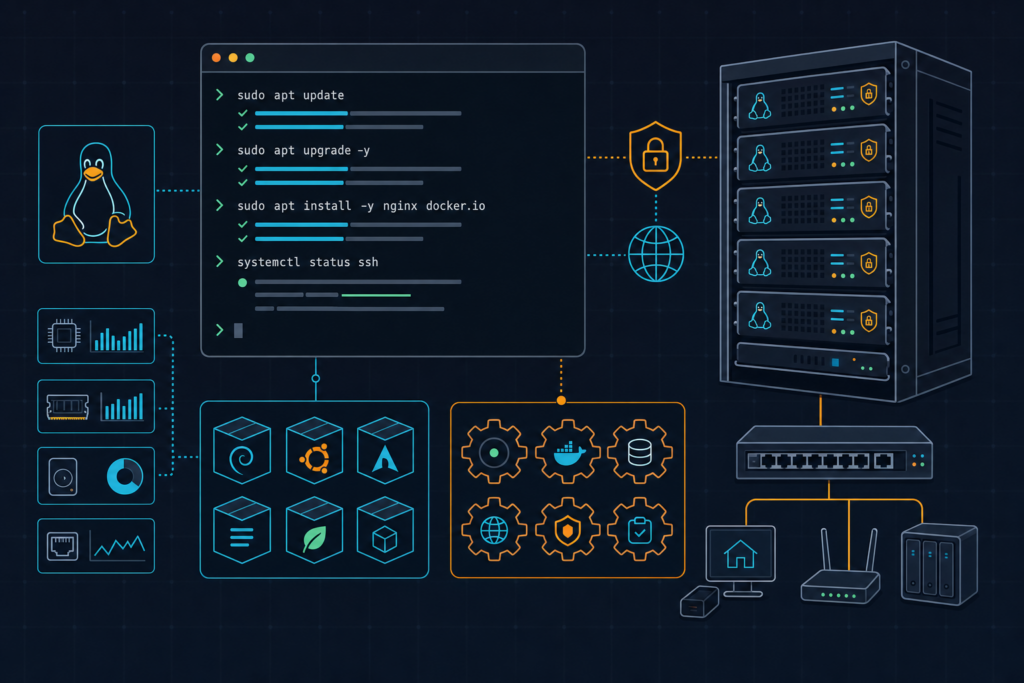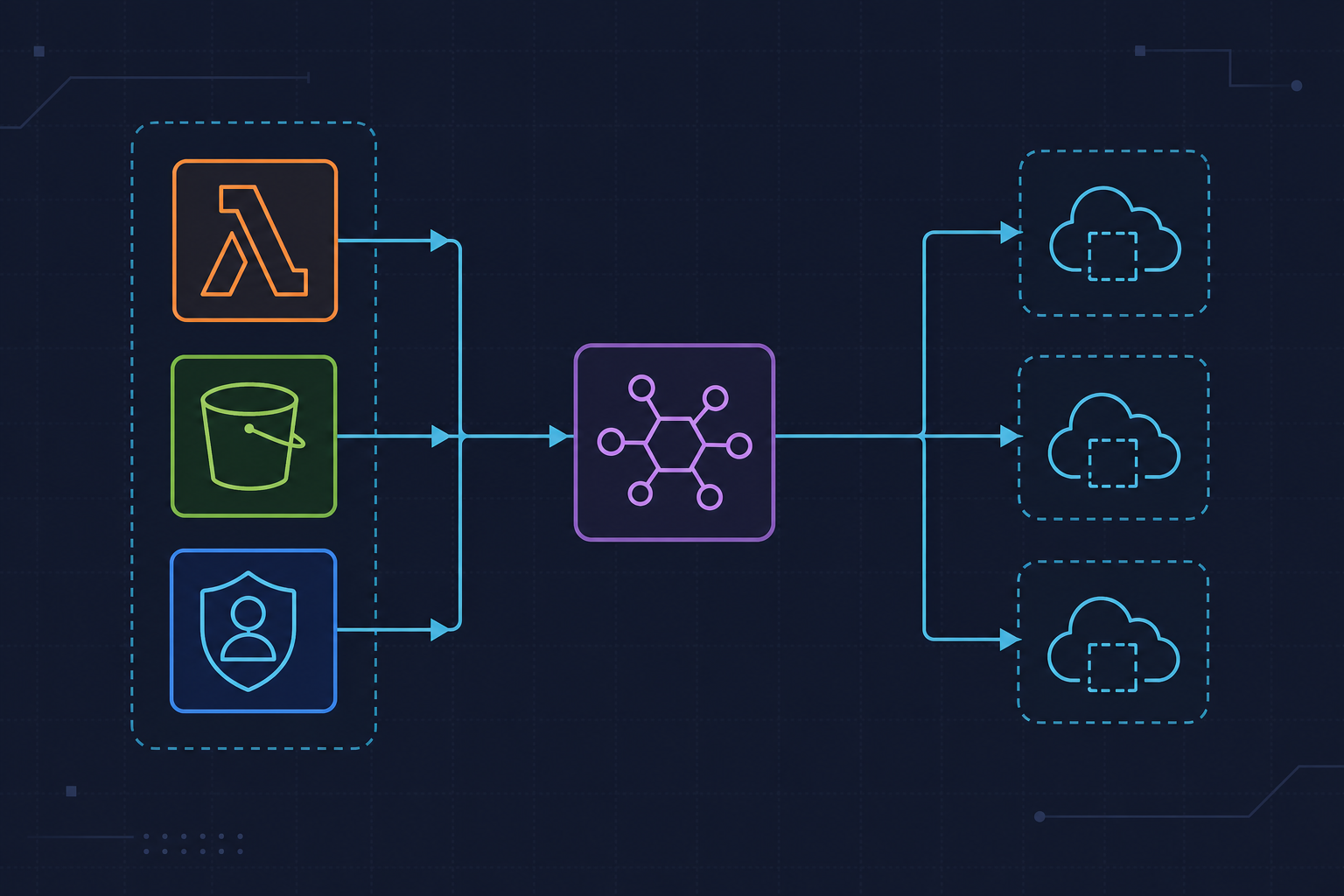
This Bash utility audits AWS Lambda functions for publicly accessible Function URLs. It enumerates functions in a region, checks URL config, and records only entries where AuthType is NONE.
How It Works
- Lists Lambda function names in a target region
- Calls
get-function-url-configfor each function - Filters by
AuthType = NONE - Saves findings to a report file
Bash Script
#!/bin/bash
REGION= # us-east-1, eu-west-1 ... etc.
OUTPUT_FILE="public_lambda_urls.txt"

# Get list of Lambda functions
FUNCTIONS=$(aws lambda list-functions --region $REGION --query 'Functions[*].FunctionName' --output text)

# Clear output file
> $OUTPUT_FILE

# Iterate through each function
for FUNCTION in $FUNCTIONS; do
# Check if Function URL exists
URL_CONFIG=$(aws lambda get-function-url-config --function-name $FUNCTION --region $REGION 2>/dev/null)
if [ $? -eq 0 ]; then
# Check if AuthType is NONE (public)
AUTH_TYPE=$(echo $URL_CONFIG | jq -r '.AuthType')
if [ "$AUTH_TYPE" = "NONE" ]; then
echo "Function: $FUNCTION has public Function URL"
echo "Function: $FUNCTION, URL: $(echo $URL_CONFIG | jq -r '.FunctionUrl')" >> $OUTPUT_FILE
fi
fi
done

echo "Results saved to $OUTPUT_FILE"
Operational Notes
- Set
REGIONexplicitly before running. - Requires AWS CLI credentials with Lambda read permissions.
- Requires
jqfor JSON parsing. - Consider running this as a scheduled security audit job.
Official Documentation
- AWS CLI
get-function-url-config: https://docs.aws.amazon.com/cli/latest/reference/lambda/get-function-url-config.html - AWS Lambda Function URLs: https://docs.aws.amazon.com/lambda/latest/dg/urls-intro.html
- Bash Reference Manual: https://www.gnu.org/software/bash/manual/