When You Face This Choice

You’ll know the moment terraform drift detection ci becomes a real problem: someone fixes a security group via the AWS console during an incident, or an intern deletes an IAM policy they thought was unused, and three days later your next terraform plan shows a wall of diffs nobody can explain. State says one thing, reality says another, and now you’re debugging infrastructure archaeology instead of shipping features.
A few triggers usually force teams to actually pick a strategy instead of winging it: a SOC2 or ISO27001 audit asking “how do you detect unauthorized infrastructure changes,” a postmortem where the root cause was “someone changed this manually and nobody knew,” a growing pile of workspaces where nobody remembers who owns what, or plain on-call fatigue from Slack pings about diffs that turn out to be nothing.
Once you hit that point, there’s a real fork in the road: do you detect drift and let a human decide what to do about it, or do you detect drift and let the pipeline fix it automatically? “Just run terraform plan sometimes” is not a strategy — it’s a hope. You need a scheduled, structured process either way. The question is how much autonomy you give the pipeline once it finds something.
Option A — Scheduled Detect-Only Pipeline (Plan + Notify)
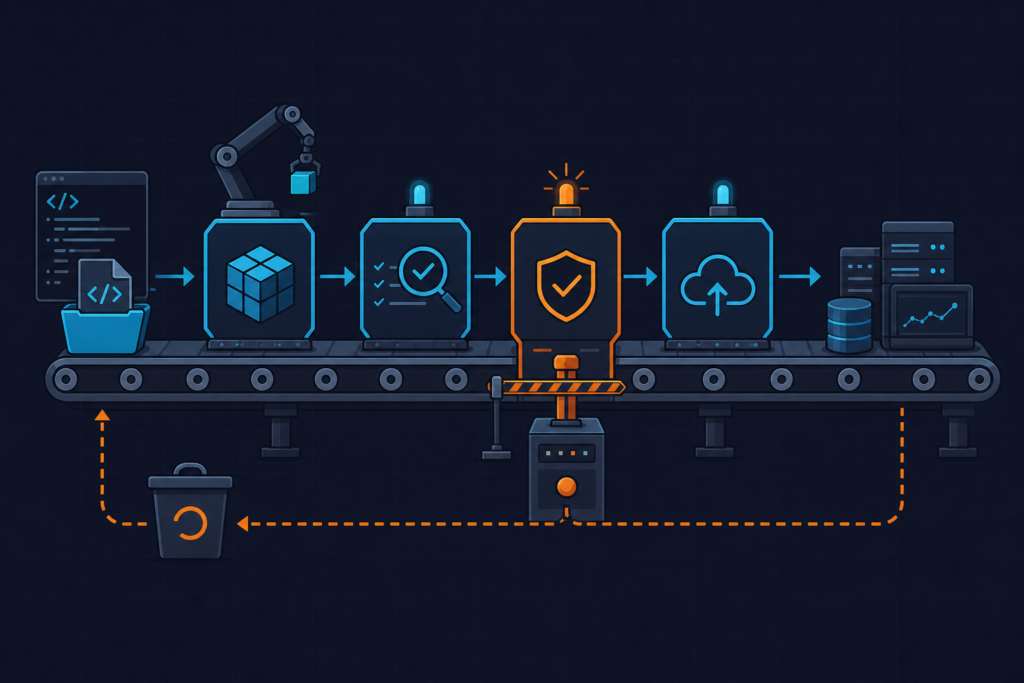
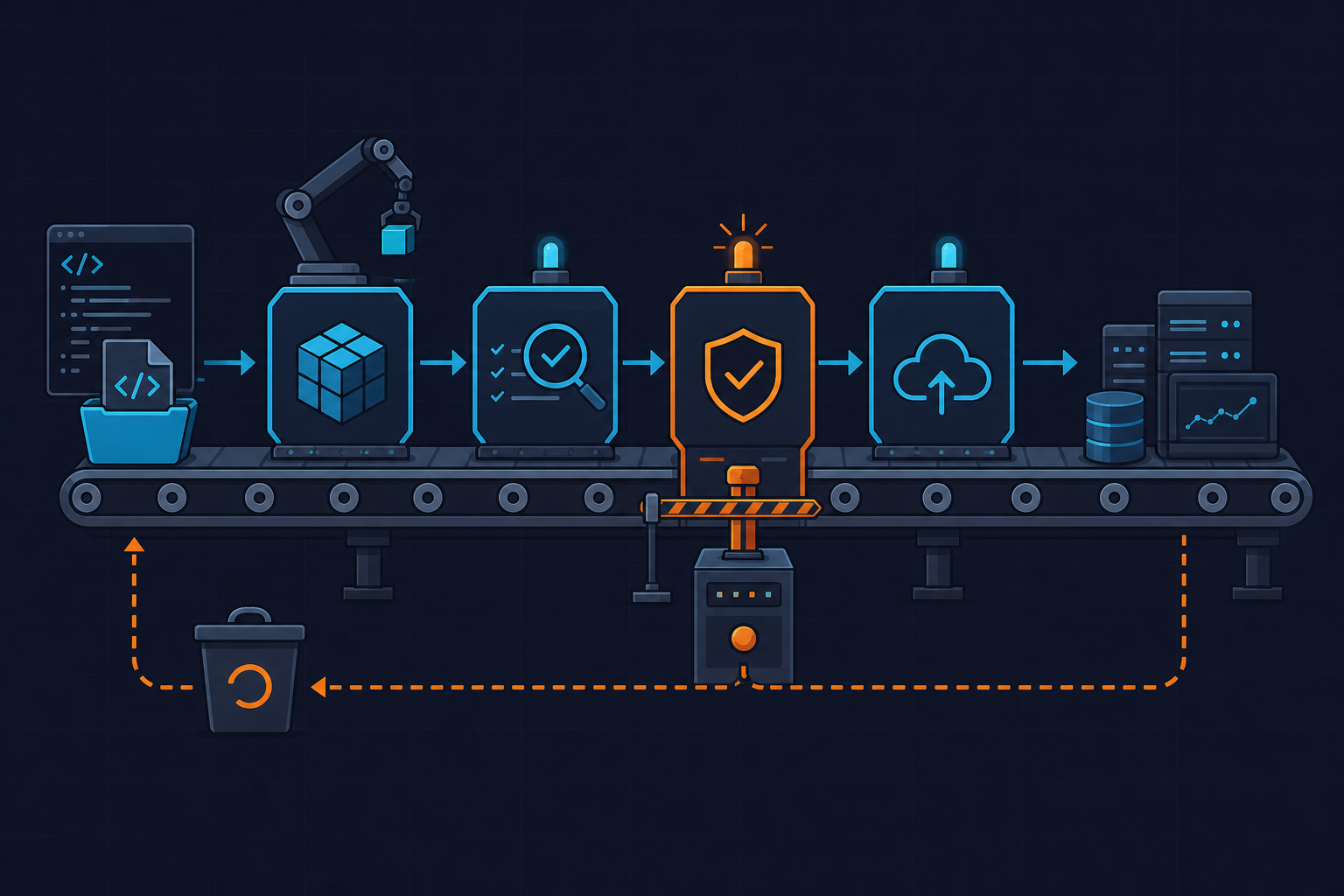
This is the boring option, and I mean that as a compliment. A cron-triggered CI job runs terraform plan -detailed-exitcode, checks the exit code, parses the plan into JSON, and posts a summary to Slack. Nobody applies anything automatically. A human reads the diff, decides if it’s real drift or expected divergence, and runs apply manually if needed.
Here’s a workflow I’ve used in production across a handful of workspaces:
# .github/workflows/drift-detection.yml
# Scheduled drift-detection job: detects drift, never auto-applies.
name: terraform-drift-detection

on:
  schedule:
    - cron: '0 6 * * *'   # runs daily at 06:00 UTC — stagger per workspace to avoid API throttling
  workflow_dispatch: {}    # allow manual trigger for on-demand checks

jobs:
  drift-check:
    runs-on: ubuntu-latest
    strategy:
      matrix:
        workspace: [network, compute, iam]   # shard workspaces to keep each job under 10 min
      fail-fast: false
    steps:
      - uses: actions/checkout@v4

      - uses: hashicorp/setup-terraform@v3
        with:
          terraform_version: 1.7.5   # pin exact version, do not use "latest"

      - name: Terraform init
        working-directory: infra/${{ matrix.workspace }}
        run: terraform init -input=false -lock-timeout=60s

      - name: Terraform plan (detect drift)
        id: plan
        working-directory: infra/${{ matrix.workspace }}
        run: |
          set +e
          terraform plan -detailed-exitcode -out=plan.tfplan -lock-timeout=60s
          echo "exitcode=$?" >> "$GITHUB_OUTPUT"
        continue-on-error: true   # exit code 2 must not fail the job, we handle it manually

      - name: Extract structured diff
        if: steps.plan.outputs.exitcode == '2'
        working-directory: infra/${{ matrix.workspace }}
        run: |
          terraform show -json plan.tfplan > plan.json
          jq '[.resource_changes[] | select(.change.actions[0] != "no-op") |
              {address: .address, action: .change.actions[0]}]' plan.json > drift-summary.json

      - name: Notify Slack on drift
        if: steps.plan.outputs.exitcode == '2'
        run: |
          curl -sf -X POST -H 'Content-type: application/json' \
            --data "{\"text\": \"⚠️ Drift detected in *${{ matrix.workspace }}*: $(cat drift-summary.json)\"}" \
            "${{ secrets.SLACK_WEBHOOK_URL }}"

      - name: Fail job to surface drift in CI status
        if: steps.plan.outputs.exitcode == '2'
        run: exit 1   # human still has to review and apply manually — that's the point of Option A
Note the exit code handling — Terraform 1.6+ made -detailed-exitcode reliable enough to branch on directly: 0 means no changes, 1 means an error, 2 means drift or pending changes. Don’t grep plain-text plan output for this; that format isn’t a stable interface across versions and it will break your parser on some future minor release.
Pros: blast radius is basically zero, it’s trivially auditable for compliance, it works with any backend including plain S3+DynamoDB, and it’s the fastest thing to implement — you can have this running by end of day.
Cons: drift sits unresolved for hours or days waiting for a human. If the Slack channel gets noisy, people start ignoring it — alert fatigue is real and it happens fast. Someone still has to context-switch out of whatever they’re doing to run apply. And past roughly 20-30 workspaces, you need an actual triage system or this turns into a wall of unread notifications.
Option B — Automated Detect-and-Remediate Pipeline (Plan + Gated Auto-Apply)
This is the self-healing version. Same detection step, but when drift is found, the pipeline runs terraform apply automatically — or -refresh-only if the intent is to accept the drift into state rather than revert it — gated behind policy checks like OPA/Conftest or Atlantis policy sets, instead of waiting on a person.
# drift-summary.sh — parses plan.json into a compact human-readable digest
# Run after `terraform show -json plan.tfplan > plan.json`

jq -r '
  .resource_changes[]
  | select(.change.actions[0] != "no-op")
  | "\(.change.actions[0] | ascii_upcase)\t\(.address)"
' plan.json | column -t -s $'\t'

# Example output:
# UPDATE   aws_security_group.web_sg
# DELETE   aws_iam_role_policy.legacy_policy
# CREATE   aws_route53_record.orphaned_cname

# Gotcha: "delete" here in a drift context usually means "resource exists in
# state/config but was removed manually in the console" — Terraform will try
# to RECREATE it on apply, which is why auto-apply on IAM/DNS is disallowed
# in this pipeline's OPA policy (see policies/no-auto-apply-sensitive.rego).
Pros: the drift window closes in minutes, not days. It removes a category of toil entirely and reinforces a “config is truth” culture, which is genuinely valuable for stateless or ephemeral infra like autoscaling groups and ECS service definitions where manual tweaks are expected to be transient anyway.
Cons, and this is where I’ve seen teams get burned: if the plan misclassifies an intentional hotfix as drift, the pipeline will cheerfully revert it. I’ve watched a scheduled drift job run apply -auto-approve off a plan artifact nobody reviewed, and it recreated a resource a teammate had manually deleted on purpose — destructively, mid-incident. You need mature policy-as-code guardrails before this is safe, and debugging “why did CI undo what I just did” during an active incident is a genuinely bad time. Blast radius also scales with anything shared modules touch.
Decision Matrix
| Criteria | Option A (Detect-Only) | Option B (Auto-Remediate) |
|---|---|---|
| Team size <10 engineers | Recommended | Overkill |
| Regulated industry / audit trail needs | Recommended | Risky without strong OPA gates |
| >50 dynamic workspaces | Doesn’t scale alone | Recommended with policy-as-code |
| Blast radius tolerance: low | Recommended | Avoid |
| On-call maturity: early | Recommended | Wait until mature |
| Resource type: IAM, DNS, security groups | Always | Never auto-apply |
| Resource type: ASG desired count, tags | Fine either way | Good candidate |
The nuance that most decision matrices miss: the right answer often isn’t per-team, it’s per-resource-type. DNS records and IAM policies should basically never auto-remediate — the cost of a wrong revert is too high. Autoscaling group desired capacity or resource tags are low-stakes and make good candidates for automation. If you’re on Terraform Cloud/Enterprise, note that Health Assessments (their built-in drift detection) is a Business-tier feature — not available on free or Team plans, so budget accordingly if you were planning to rely on it out of the box.
My Pick
I default to detect-only everywhere, full stop. Then I carve out a narrow allowlist of low-risk resource types for auto-remediation once policy checks are actually in place — not before. Full auto-apply-everything is a mistake for roughly 90% of teams I’ve seen try it, and the failure mode is ugly: a pipeline reverting an SRE’s legitimate incident-response change is the kind of incident that generates its own postmortem.
Detect-only alone isn’t a finish line either — drift sitting unresolved for a week because nobody triaged the Slack digest is its own failure mode. So the rollout order matters. Start with scheduled detect-only, wired into GitHub Actions or Atlantis, with a structured Slack digest that includes workspace name, resource address, and action type — flat “drift detected, check logs” messages get ignored within a week, I’ve seen it happen. Only after that’s stable and you have Conftest/OPA policies denying auto-apply on sensitive resource types do you carve out the allowlist for auto-remediation. Skipping the middle step is how teams end up auto-reverting an incident fix at 2am.
Two practical warnings before you build any of this. First, pin your provider versions in .terraform.lock.hcl and commit that file — I’ve seen a CI runner silently pull a newer AWS provider than what generated the last state, producing false-positive drift on every single run because default tag behavior changed between 5.x minors. Second, scope your CI role to least privilege: s3:GetObject and dynamodb:GetItem on the specific state bucket and lock table only, never account-wide read access — state files routinely contain plaintext secrets in outputs, and a broad IAM role turns your drift job into a juicy target.
driftctl is worth a mention as an alternative scanner, but its last stable release was 0.40.0 before maintenance slowed down in 2023 — native terraform plan is the safer long-term bet. And if you’re running this across 200+ workspaces, don’t check every 15 minutes; you’ll hit AWS API throttling on Describe* calls and burn CI minutes for nothing. Hourly or staggered daily windows are plenty. For more on structuring larger Terraform repos so this actually scales, see our Terraform automation posts and the official Terraform plan documentation for the full behavior of refresh-only mode and exit codes, plus the OPA docs if you’re building the policy gate for Option B.