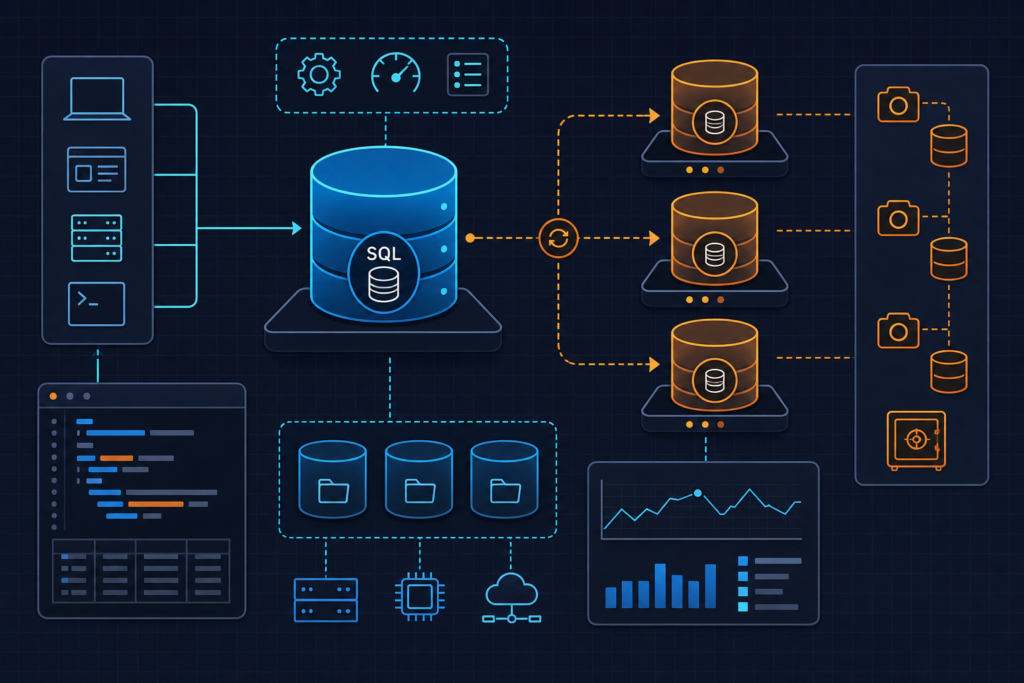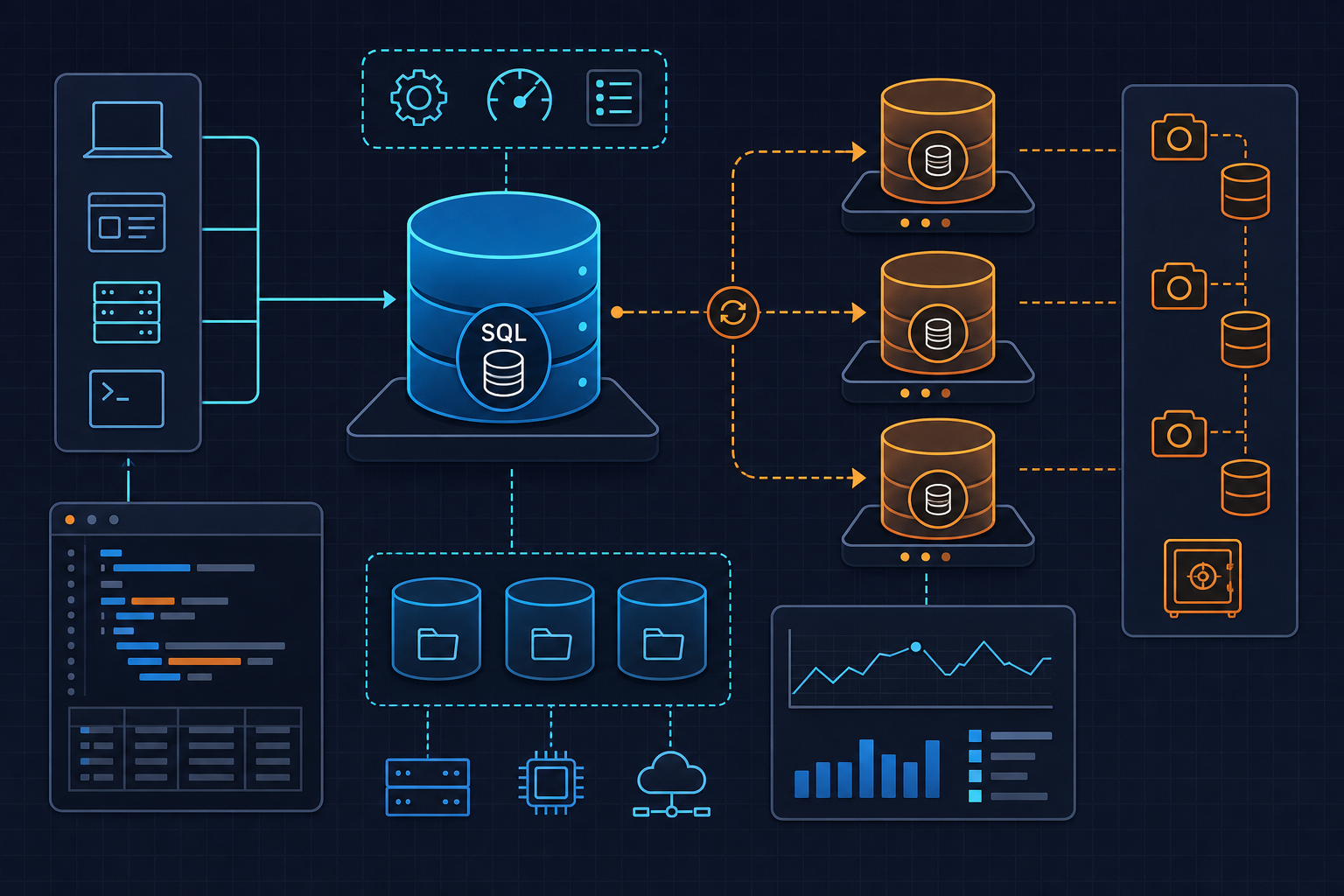
RDS backup validation and automated restore testing on AWS is one of those operational disciplines that most teams acknowledge as important but rarely implement with any rigor until a recovery drill goes wrong. A snapshot that exists is not the same as a snapshot that restores cleanly, returns consistent data, and does so within your recovery time objective. This post builds a repeatable, scriptable process to close that gap — one you can run on a schedule, tie to a compliance audit, or trigger automatically after a major schema migration.
When to Use This

Not every environment justifies a full automated restore pipeline on every backup. But there are specific operational moments where skipping this validation creates real risk.
The most obvious trigger is a post-migration verification. After a major schema change, engine upgrade, or data import, you need confirmation that the resulting snapshot is coherent — not just that the backup job completed with exit code 0. Automated snapshots are deleted when the source RDS instance is deleted (unless you trigger a final snapshot explicitly), so a migration that ends with an instance replacement can silently orphan your last known-good backup.
The second category is compliance and DR drills. SOC 2, ISO 27001, and HIPAA-adjacent frameworks increasingly require documented evidence that backups are tested and recoverable. A quarterly restore-and-validate run, logged with timestamps and row-count assertions, gives your auditors something concrete. It also gives your team a measured RTO — a 100 GB PostgreSQL instance on db.t3.medium can take 20 to 40 minutes to become available, and that number needs to be in your runbook before you need it during an incident.
The third scenario is scheduled regression testing — running restore validation as part of a weekly or monthly pipeline, independent of any specific change event. This catches configuration drift: parameter group mismatches, KMS key rotation issues, and subnet group changes that would silently break a real recovery.
For teams managing multiple RDS instances across environments, the broader DevOps automation patterns on this blog cover complementary areas like lifecycle policies, IAM scoping, and pipeline integration that pair well with what we’re building here.
Setup
The restore environment must be isolated from production by design, not by convention. The most common operational accident in this space is restoring into the same VPC as production and having an application config — even temporarily — point at the test instance. We prevent this structurally.
You need a dedicated subnet group that places restored instances in a non-production VPC or at minimum a segregated set of subnets with no route to application load balancers or service discovery. Create this once and reference it in every restore job:
aws rds create-db-subnet-group \
  --db-subnet-group-name restore-test-subnet-group \
  --db-subnet-group-description "Isolated subnets for restore validation jobs" \
  --subnet-ids subnet-0aaa111222333444a subnet-0bbb555666777888b \
  --tags Key=Environment,Value=restore-test
The security group attached to restored instances should allow inbound PostgreSQL (port 5432) only from a specific validation runner — a CI agent, a Lambda function, or a bastion — and nothing else. No broad CIDR ranges, no 0.0.0.0/0.
On the IAM side, the role executing restore jobs needs a tightly scoped policy. The minimum required actions are rds:RestoreDBInstanceFromDBSnapshot, rds:DescribeDBSnapshots, rds:DescribeDBInstances, rds:DeleteDBInstance, and kms:Decrypt scoped to the specific KMS key used to encrypt your snapshots. A common and painful mistake is granting kms:Decrypt on * during initial setup and then rotating or replacing the KMS key later — the restore job breaks silently at the decryption step with a permissions error that looks unrelated to the key change.
The snapshot ARN format you’ll be working with follows this pattern:
arn:aws:rds:<region>:<account-id>:snapshot:<snapshot-id>
For automated snapshots, the snapshot ID is typically rds:<instance-id>-<date>. Confirm that backup_retention_period is set to 1 or higher on your source instance — a value of 0 disables automated backups entirely, and there will be no automated snapshots to restore from.
Configuration (with Code)
If you manage infrastructure with Terraform, the restore subnet group and parameter group should be declared explicitly rather than created ad hoc. Here is a minimal Terraform block for the restore environment prerequisites:
resource "aws_db_subnet_group" "restore_test" {
  name        = "restore-test-subnet-group"
  description = "Isolated subnet group for RDS restore validation"
  subnet_ids  = var.restore_subnet_ids

  tags = {
    Environment = "restore-test"
  }
}

resource "aws_db_parameter_group" "postgres14_restore" {
  name        = "postgres14-restore-test"
  family      = "postgres14"
  description = "Parameter group for restore validation — must match production family"

  parameter {
    name  = "log_connections"
    value = "1"
  }
}

resource "aws_security_group" "restore_validator" {
  name        = "rds-restore-validator"
  description = "Allow validator runner to reach restored RDS instance"
  vpc_id      = var.restore_vpc_id

  ingress {
    from_port       = 5432
    to_port         = 5432
    protocol        = "tcp"
    security_groups = [var.validator_runner_sg_id]
  }

  egress {
    from_port   = 0
    to_port     = 0
    protocol    = "-1"
    cidr_blocks = ["0.0.0.0/0"]
  }

  tags = {
    Environment = "restore-test"
  }
}
The parameter group family must match the engine version exactly. If your production instance runs postgres14 and you attach a postgres13 parameter group, RDS will silently fall back to the engine default rather than raising an error. This creates configuration drift between your restore test environment and production — which is precisely what you’re trying to detect.
With the infrastructure in place, the full restore-and-validate script handles the end-to-end job. It accepts a snapshot ID and an optional instance class, restores the snapshot into the isolated environment, waits for availability, runs integrity queries, and tears down the instance regardless of validation outcome:
#!/usr/bin/env bash
# rds_restore_validate.sh
# Restores a named RDS snapshot, validates data integrity, then tears down.
# Usage: ./rds_restore_validate.sh <snapshot-id> <db-instance-class>

set -euo pipefail

SNAPSHOT_ID="${1}"
INSTANCE_CLASS="${2:-db.t3.medium}"
RESTORE_ID="restore-test-$(date +%Y%m%d%H%M%S)"
REGION="us-east-1"
SUBNET_GROUP="restore-test-subnet-group"
SG_ID="sg-0abc123456789def0"
PARAM_GROUP="postgres14-restore-test"
DB_USER="validator"
DB_NAME="appdb"
EXPECTED_MIN_ROWS=10000

echo "[1/5] Restoring snapshot: ${SNAPSHOT_ID} -> ${RESTORE_ID}"
aws rds restore-db-instance-from-db-snapshot \
  --db-instance-identifier "${RESTORE_ID}" \
  --db-snapshot-identifier "${SNAPSHOT_ID}" \
  --db-instance-class "${INSTANCE_CLASS}" \
  --db-subnet-group-name "${SUBNET_GROUP}" \
  --vpc-security-group-ids "${SG_ID}" \
  --db-parameter-group-name "${PARAM_GROUP}" \
  --no-publicly-accessible \
  --tags Key=Environment,Value=restore-test Key=TTL,Value=2h \
  --region "${REGION}"

echo "[2/5] Waiting for instance to become available..."
aws rds wait db-instance-available \
  --db-instance-identifier "${RESTORE_ID}" \
  --region "${REGION}"

ENDPOINT=$(aws rds describe-db-instances \
  --db-instance-identifier "${RESTORE_ID}" \
  --region "${REGION}" \
  --query 'DBInstances[0].Endpoint.Address' \
  --output text)

echo "[3/5] Instance ready at: ${ENDPOINT}"

echo "[4/5] Running integrity checks..."
ROW_COUNT=$(psql \
  "host=${ENDPOINT} dbname=${DB_NAME} user=${DB_USER} sslmode=require" \
  --tuples-only \
  --command "SELECT COUNT(*) FROM orders;")

ROW_COUNT=$(echo "${ROW_COUNT}" | tr -d '[:space:]')

if [[ "${ROW_COUNT}" -lt "${EXPECTED_MIN_ROWS}" ]]; then
  echo "FAIL: Row count ${ROW_COUNT} below threshold ${EXPECTED_MIN_ROWS}"
  VALIDATION_STATUS="FAILED"
else
  echo "PASS: Row count ${ROW_COUNT} meets threshold"
  VALIDATION_STATUS="PASSED"
fi

echo "[5/5] Tearing down restore instance..."
aws rds delete-db-instance \
  --db-instance-identifier "${RESTORE_ID}" \
  --skip-final-snapshot \
  --region "${REGION}"

echo "Restore validation complete. Status: ${VALIDATION_STATUS}"
echo "Restore ID: ${RESTORE_ID} | Rows validated: ${ROW_COUNT}"
A few implementation notes worth calling out: set -euo pipefail ensures the script exits on any unhandled error, which matters when you’re dealing with AWS CLI calls that can fail quietly on malformed input. The aws rds wait command blocks execution until the instance reaches available state — without this, the endpoint query returns before the instance is actually reachable. Tag the restored instance with both Environment=restore-test and a TTL tag; you can build a separate cleanup Lambda that scans for instances with an expired TTL tag and deletes them automatically, which prevents orphaned restore instances from accumulating costs.
Examples
A typical quarterly DR drill run looks like this in practice. Before triggering the script, capture a row-count baseline from production so you have a comparison point:
# Capture production baseline before restore test
psql "host=prod-db.cluster-xyz.us-east-1.rds.amazonaws.com \
  dbname=appdb user=readonly sslmode=require" \
  --command "SELECT COUNT(*) FROM orders;" \
  --tuples-only | tr -d '[:space:]'
# Output: 847392
Update EXPECTED_MIN_ROWS in the script to a value slightly below the production count — accounting for any transactions that occurred between the snapshot and the baseline query. Then run the restore against the most recent automated snapshot:
# List recent automated snapshots for the target instance
aws rds describe-db-snapshots \
  --db-instance-identifier prod-appdb \
  --snapshot-type automated \
  --query 'reverse(sort_by(DBSnapshots, &SnapshotCreateTime))[0:3].{ID:DBSnapshotIdentifier,Time:SnapshotCreateTime,Status:Status}' \
  --output table \
  --region us-east-1
# Execute the restore and validation pipeline
./rds_restore_validate.sh rds:prod-appdb-2026-05-30 db.t3.medium
The script will emit timestamped progress through each stage. On a 100 GB instance, expect the wait at step 2 to take 20 to 40 minutes — this is your measured RTO for that snapshot, and it should be logged alongside the validation result for your DR documentation. If you’re running this in a CI pipeline, the elapsed time between the restore call and the wait completion is the number to capture.
After a successful run, the output looks like:
[1/5] Restoring snapshot: rds:prod-appdb-2026-05-30 -> restore-test-20260530143201
[2/5] Waiting for instance to become available...
[3/5] Instance ready at: restore-test-20260530143201.cxyz.us-east-1.rds.amazonaws.com
[4/5] Running integrity checks...
PASS: Row count 847201 meets threshold
[5/5] Tearing down restore instance...
Restore validation complete. Status: PASSED
Restore ID: restore-test-20260530143201 | Rows validated: 847201
For more advanced validation, extend the integrity checks section to include checksum comparisons on critical tables, foreign key constraint verification, and application-level smoke tests run against the temporary endpoint. The AWS RDS snapshot restore documentation covers additional options like restoring to a point in time and cross-region snapshot copies if your DR strategy requires geographic redundancy.
Common Mistakes
These are the failure modes that appear repeatedly in restore workflows, often discovered at the worst possible time.
KMS key scope mismatch. When the source RDS instance uses a customer-managed KMS key for encryption, the IAM role performing the restore must have kms:Decrypt on that specific key ARN. Granting it on * works initially but breaks when the key is rotated or replaced. Scope the KMS permission explicitly in your IAM policy and test it as part of your restore drill. Cross-account restores add another layer: the KMS key policy must explicitly grant access to the destination account’s principal, not just the IAM role.
Missing or wrong security group on the restored instance. This is the most common reason a restore succeeds but validation fails. A restored RDS instance does not inherit the security groups from the original instance — you must pass --vpc-security-group-ids explicitly in the restore command. If you omit this flag, the instance gets the VPC default security group, which almost certainly does not allow your validator runner to connect. The script above handles this correctly, but manually triggered restores frequently miss it.
Parameter group family mismatch. As noted earlier, attaching a parameter group from the wrong engine family does not produce an error — it silently falls back to the engine default. If your production workload depends on specific parameter tuning (shared buffers, work mem, connection limits), the restore test is not actually validating production-equivalent behavior. Always declare the parameter group family explicitly in Terraform and verify it matches the snapshot’s engine version before running the restore.
No baseline row count before the test. Validating against a hardcoded threshold is better than nothing, but it does not catch data loss that occurred before the snapshot was taken. Capture a fresh row count from production immediately before each restore test and compare against that baseline, not a static number from last quarter.
Skipping RTO measurement. A restore that completes successfully but takes three hours is a failed DR plan if your RTO is 60 minutes. Every restore test run should log the elapsed time from the CLI call to instance availability. Track this over time — restore duration tends to grow with database size, and a gradual increase is a signal to investigate storage optimization or consider Aurora’s faster cloning mechanisms.
Orphaned restore instances. Scripts that exit on error before reaching the teardown step leave running RDS instances in the restore VPC. These accumulate costs and, more importantly, represent a security surface — they contain real production data. Use a trap in your shell script to ensure cleanup runs even on failure, and implement the TTL-tag-based Lambda cleanup as a backstop.