Symptoms — Your WooCommerce Store Is Choking on Its Own Data

Your WooCommerce database performance collapses the moment order volume crosses a certain threshold — and it almost never announces itself cleanly. The first sign is usually the admin order screen taking 3–5 seconds to load. Then frontend product queries start timing out under moderate traffic. Then a customer reports a blank cart page, and you’re staring at SHOW PROCESSLIST output full of Waiting for table lock rows.
Specific things to look for:
wp-admin/admin-ajax.phppinning CPU at 100% during checkout bursts- MySQL slow query log showing full table scans on
wp_postmetaandwp_woocommerce_order_itemmeta - Customers seeing blank or stale cart pages under load
SHOW PROCESSLISTreturning dozens of threads inWaiting for table lockstate- Query times on
SELECTfromwp_postmeta WHERE meta_key = '_price'measured in seconds, not milliseconds
Before you blame PHP-FPM tuning or your hosting tier, run this first:
EXPLAIN SELECT post_id FROM wp_postmeta
WHERE meta_key = '_price' LIMIT 1\G
If you see type: ALL in the output — that’s a full table scan. On a 50k-product store, wp_postmeta can exceed 5 million rows with zero composite indexes by default. That type: ALL is your root cause staring back at you.
Root Cause — Why WooCommerce Destroys Default MySQL Indexes
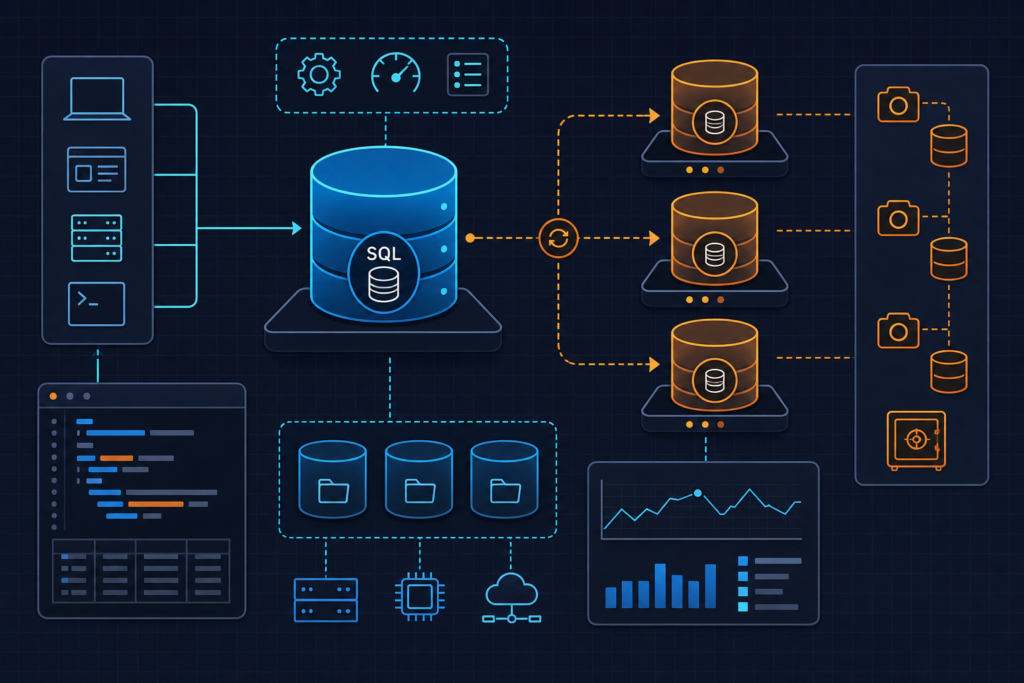
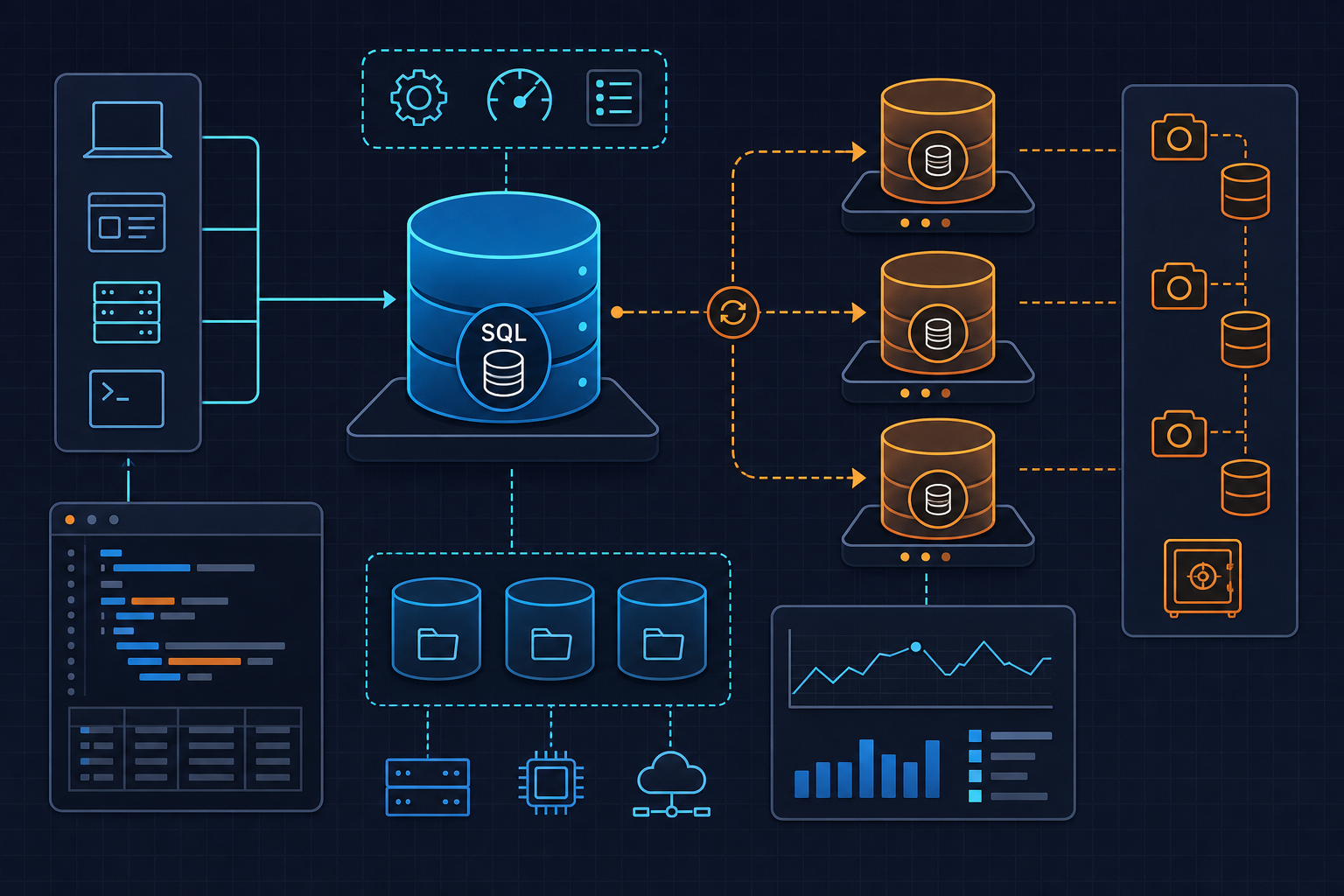
WordPress uses an EAV (Entity-Attribute-Value) pattern for metadata storage. Every product attribute, price, stock level, and order field gets stored as a separate row in wp_postmeta. One product with 20 attributes = 20 rows. A 50k-product catalog = potentially millions of rows, all queried by meta_key and meta_value — columns that have no composite index out of the box.
The problems compound:
- No composite index on
(meta_key, meta_value)— every lookup does a full scan wp_optionsautoload bloat — WooCommerce stores session data inwp_optionsby default, and that table gets scanned on every single page request- Session rows that never expire —
wp_woocommerce_sessionscan hit 500k+ rows without a working cron job - Order count crossing ~10k — this is where missing indexes go from slow to catastrophic
- HPOS not enabled —
wp_wc_order_stats, introduced in WC 3.9, is often not populated correctly after migrations, leaving the system querying legacy tables anyway
The result: a schema designed for blogs, stretched to run an e-commerce platform, with no structural changes to support it. WooCommerce has been fixing this — but only if you opt in.
Fix #1 — Add Missing Composite Indexes to wp_postmeta
This is the single highest-impact change you can make. On most stores, it drops query time from seconds to milliseconds. Before touching anything, check what indexes already exist — WooCommerce 8.x ships some of these, and adding a duplicate will throw an error.
-- Check existing indexes first
SHOW INDEX FROM wp_postmeta;
If meta_key_value is not listed, add it. One important gotcha: on utf8mb4 tables, adding an index on meta_value without a length prefix will fail with ERROR 1071 (42000): Specified key was too long; max key length is 767 bytes. Always use a length prefix.
-- Safe index add with length prefix for utf8mb4
ALTER TABLE wp_postmeta
  ADD INDEX meta_key_value (meta_key, meta_value(32));
Watch out for this: On a table with 2 million rows, this ALTER takes 45–90 seconds with a full table lock. Do not run this on a live production site without using pt-online-schema-change or gh-ost.
# Zero-downtime index add using Percona Toolkit
pt-online-schema-change \
  --alter "ADD INDEX meta_key_value (meta_key, meta_value(32))" \
  --execute \
  D=wordpress,t=wp_postmeta
Apply the same index to wp_termmeta and wp_usermeta — they have identical structural problems. After applying, re-run your EXPLAIN query. You should see type: range or type: ref instead of type: ALL. If you still see ALL, MySQL chose not to use the index — check your query structure and run ANALYZE TABLE wp_postmeta to update statistics.
MySQL 8.0.28+ supports INVISIBLE INDEXES, which I find useful for safely testing index removal before dropping anything permanently. Worth knowing before you start cleaning up old indexes.
Fix #2 — Clean and Offload wp_options Autoload Bloat
Every single page load on your WordPress site runs one query: load all autoloaded options from wp_options. When that table has grown to 10MB+ of serialized data — WooCommerce sessions, expired transients, plugin tokens — that query becomes a recurring tax on every request.
Start with this query. Always run it before touching anything.
-- Find the biggest offenders in autoloaded options
SELECT option_name,
       ROUND(LENGTH(option_value)/1024, 2) AS size_kb
FROM wp_options
WHERE autoload = 'yes'
ORDER BY LENGTH(option_value) DESC
LIMIT 20;
Safe candidates to set autoload = 'no': WooCommerce session data, expired tokens, and plugin caches that rebuild on demand. Do not touch WordPress core options or anything your active theme depends on at startup.
For transient cleanup, WooCommerce 8.x provides a cleaner path than raw SQL:
# Use WC's own tool before manual SQL deletes
wp wc tool run clear_expired_transients
If you need to go manual, scope it carefully — and only when you’re certain no external object cache (Redis, Memcached) is active, because deleting transients while an object cache is running creates inconsistency:
-- Delete expired transients only (check object cache status first)
DELETE FROM wp_options
WHERE option_name LIKE '_transient_timeout_%'
  AND option_value < UNIX_TIMESTAMP();
My operational target: wp_options autoloaded data should stay under 1MB total. Above that, you’re carrying unnecessary weight on every request. I stopped using WP-Optimize for this after it silently removed options a plugin was actively using — manual SQL with explicit WHERE clauses is safer in production.
For a permanent fix, move WooCommerce sessions off wp_options entirely. The cleanest solution is Redis via the WooCommerce Redis session handler, or enabling HPOS (covered in Fix #3), which handles session storage differently.
Fix #3 — Enable HPOS and Migrate Orders Off wp_posts
High-Performance Order Storage (HPOS) is WooCommerce’s architectural answer to the EAV problem for orders. Available since WC 7.1, stable since WC 8.2. It moves orders from wp_posts/wp_postmeta into dedicated relational tables — wp_wc_orders, wp_wc_order_addresses, wp_wc_order_operational_data — with proper indexes designed for order queries.
Enable it via WooCommerce → Settings → Advanced → Features → High-Performance Order Storage. Before flipping that switch, do a compatibility check. Any plugin that queries orders using WP_Query directly will silently return wrong results after migration. That’s not a warning I’d skip.
Once enabled, run the migration with a conservative batch size to avoid locking:
# Migrate orders to HPOS tables — 500 rows per batch, verbose output
wp wc hpos migrate --batch-size=500 --verbose
After migration completes, verify sync integrity on a sample of orders:
# Spot-check a specific order for sync integrity
wp wc hpos verify-sync --order-id=<id>
The new tables have indexes that make order lookups, filtering by status, and customer order history queries orders of magnitude faster. On stores that migrated from legacy storage with 50k+ orders, we’ve seen admin order screen load times drop from 4–6 seconds to under 400ms.
One hard rule: do not enable HPOS on stores with custom code that uses WP_Query for order retrieval. Audit your theme and plugins first. The official HPOS documentation has a compatibility checklist worth going through line by line.
Prevention — Keep Indexes Healthy as the Store Grows
Fixes degrade over time. Bulk imports fragment tables. New plugins write to wp_options on every request. Here’s the runbook checklist we use to prevent regression.
The script below runs the full audit — index check, autoload size report, fragmentation scan, and session row count — and logs everything to a file. Run it weekly, or wire it into a cron job.
#!/usr/bin/env bash
# woo-db-audit.sh
# Runbook: WooCommerce DB index audit + autoload cleanup
# Tested: MySQL 8.0, WooCommerce 8.x, WP-CLI 2.8+
# Run as: bash woo-db-audit.sh | tee /var/log/woo-db-audit.log

set -euo pipefail

DB_NAME="${DB_NAME:-wordpress}"
DB_USER="${DB_USER:-root}"
DB_PASS="${DB_PASS:-secret}"
DB_HOST="${DB_HOST:-127.0.0.1}"
TABLE_PREFIX="${TABLE_PREFIX:-wp_}"

MYSQL="mysql -h${DB_HOST} -u${DB_USER} -p${DB_PASS} ${DB_NAME} -s -N"

echo "=== [1] Check existing indexes on ${TABLE_PREFIX}postmeta ==="
$MYSQL -e "SHOW INDEX FROM ${TABLE_PREFIX}postmeta;" | \
  awk '{print $3, $5, $6}' | column -t

echo ""
echo "=== [2] EXPLAIN scan on _price meta_key (type=ALL = bad) ==="
$MYSQL -e "EXPLAIN SELECT post_id FROM ${TABLE_PREFIX}postmeta
  WHERE meta_key = '_price' LIMIT 1\G" | grep -E "type|key|rows"

echo ""
echo "=== [3] Add composite index if missing ==="
INDEX_EXISTS=$($MYSQL -e "
  SELECT COUNT(*) FROM information_schema.STATISTICS
  WHERE table_schema='${DB_NAME}'
    AND table_name='${TABLE_PREFIX}postmeta'
    AND index_name='meta_key_value';")

if [ "$INDEX_EXISTS" -eq 0 ]; then
  echo "Index not found — adding meta_key_value index..."
  # NOTE: Use pt-online-schema-change on tables >500k rows to avoid lock
  $MYSQL -e "ALTER TABLE ${TABLE_PREFIX}postmeta
    ADD INDEX meta_key_value (meta_key, meta_value(32));"
  echo "Index added."
else
  echo "Index already exists — skipping."
fi

echo ""
echo "=== [4] Top 10 autoloaded options by size ==="
$MYSQL -e "
  SELECT option_name,
         ROUND(LENGTH(option_value)/1024, 2) AS size_kb
  FROM ${TABLE_PREFIX}options
  WHERE autoload = 'yes'
  ORDER BY LENGTH(option_value) DESC
  LIMIT 10;" | column -t

echo ""
echo "=== [5] Total autoload payload size ==="
$MYSQL -e "
  SELECT ROUND(SUM(LENGTH(option_value))/1024/1024, 2) AS total_autoload_mb
  FROM ${TABLE_PREFIX}options
  WHERE autoload = 'yes';"

echo ""
echo "=== [6] Count expired transients ==="
TRANSIENT_COUNT=$($MYSQL -e "
  SELECT COUNT(*) FROM ${TABLE_PREFIX}options
  WHERE option_name LIKE '_transient_timeout_%'
    AND option_value < UNIX_TIMESTAMP();")
echo "Expired transients: ${TRANSIENT_COUNT}"

# Uncomment to delete — verify object cache is NOT active first
# $MYSQL -e "DELETE FROM ${TABLE_PREFIX}options
#   WHERE option_name LIKE '_transient_%'
#   AND option_name NOT LIKE '_site_transient_%';"

echo ""
echo "=== [7] WooCommerce session row count (target: <50k) ==="
$MYSQL -e "SELECT COUNT(*) AS session_rows
  FROM ${TABLE_PREFIX}woocommerce_sessions;" 2>/dev/null || \
  echo "Table not found — HPOS sessions may be active."

echo ""
echo "=== [8] Table fragmentation report ==="
$MYSQL -e "
  SELECT table_name,
         ROUND(data_length/1024/1024,2) AS data_mb,
         ROUND(data_free/1024/1024,2)   AS free_mb,
         ROUND(data_free/data_length*100,1) AS frag_pct
  FROM information_schema.TABLES
  WHERE table_schema = '${DB_NAME}'
    AND table_name LIKE '${TABLE_PREFIX}%'
    AND data_free > 0
  ORDER BY data_free DESC
  LIMIT 10;" | column -t

echo ""
echo "=== Audit complete. Review output before making changes. ==="
Ongoing checklist:
- Slow query log — weekly review. Set
long_query_time = 1andlog_queries_not_using_indexes = 1in MySQL config. Any query appearing more than 50 times in a week gets investigated. ANALYZE TABLE wp_postmeta— monthly after bulk imports. MySQL’s query planner uses stale statistics after large data changes. Don’t skip this after a product catalog import.- Fragmentation monitoring. When
data_free / data_lengthexceeds 20%, schedule anOPTIMIZE TABLE. One important note: runOPTIMIZE TABLEonly after deleting orphaned meta rows — optimizing on garbage data wastes I/O and achieves nothing. - Autoload size alert. Wire a WP-CLI check into your monitoring cron. If total autoloaded data crosses 1MB, alert before it becomes a problem.
- Audit plugins writing to
wp_optionson every request. This command identifies them:
# List all autoloaded options — sort by size, look for plugin patterns
wp option list --autoload=on --format=table | sort -k2 -rh | head -30
For deeper context on MySQL configuration tuning for WordPress environments, the MySQL 8.0 optimization reference is the authoritative source. And if you’re working through broader WordPress infrastructure hardening, the DevOps_DayS runbooks cover the full stack from server bootstrap to PHP-FPM profiling.
The schema problems described here are not WooCommerce bugs — they’re the predictable result of running a high-volume transactional system on a schema that was never designed for it. The fixes exist. Apply them before your next traffic spike, not after.