What this covers
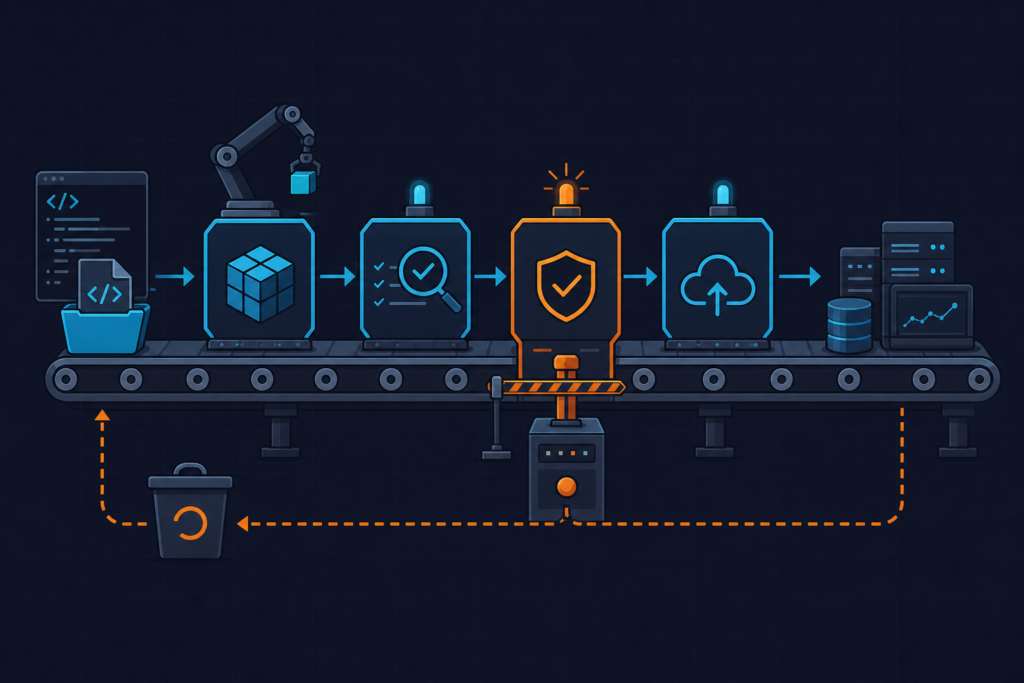
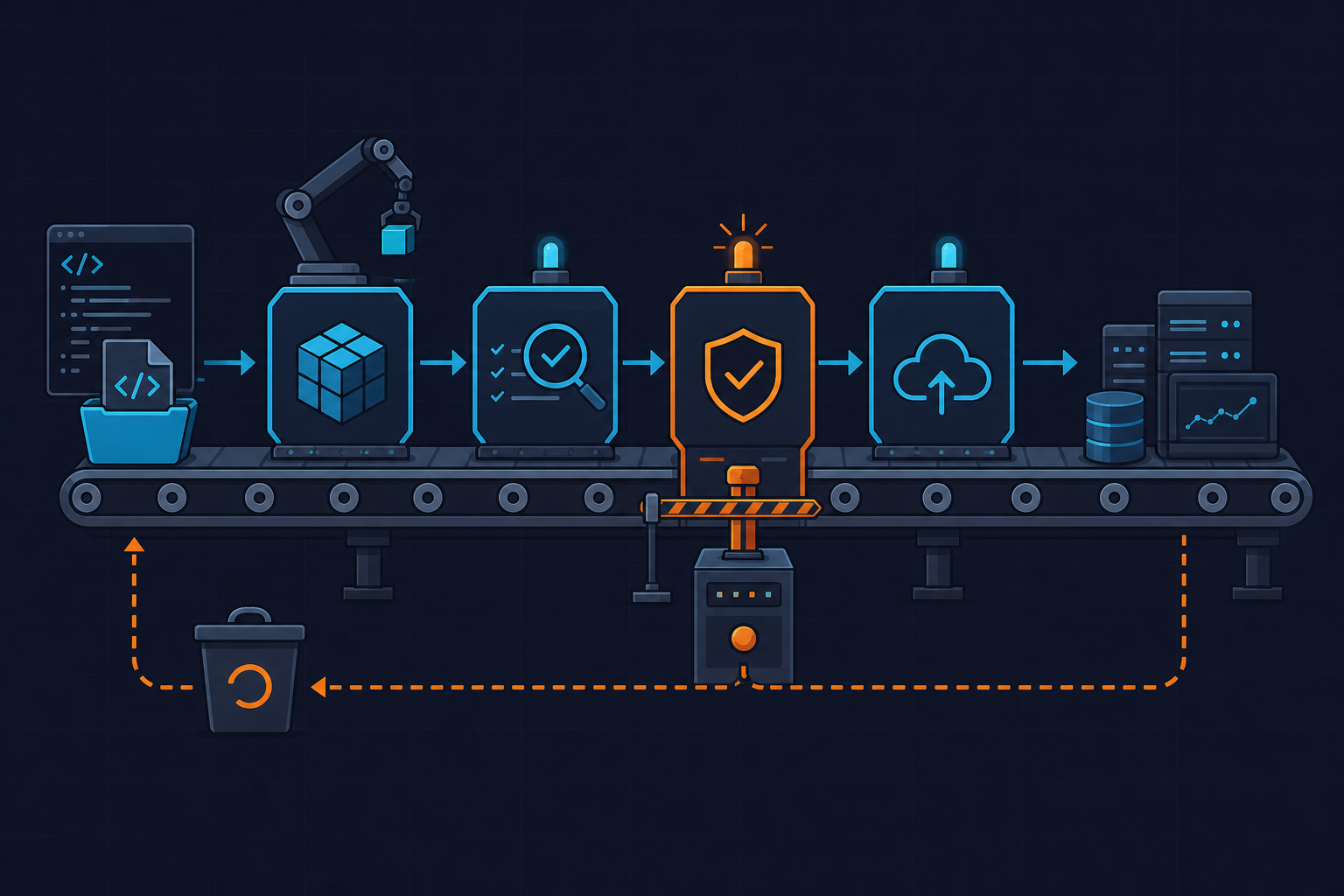
I needed a CI pipeline that builds a Docker image and pushes it to ECR automatically on every merge to main. Sounds simple. The actual friction was in IAM permissions and the ECR login step — not the Docker build itself. This post is that setup, written down while it was fresh.
Prerequisites
You need an ECR repository already created. You also need an IAM user (or role, if you’re using OIDC) with at least these permissions: ecr:GetAuthorizationToken, ecr:BatchCheckLayerAvailability, ecr:PutImage, ecr:InitiateLayerUpload, ecr:UploadLayerPart, ecr:CompleteLayerUpload. I missed ecr:GetAuthorizationToken the first time and spent ten minutes reading a vague 401 error before I noticed it’s a global action — it doesn’t scope to a specific resource ARN.
Store your AWS credentials as GitHub repository secrets: AWS_ACCESS_KEY_ID and AWS_SECRET_ACCESS_KEY. Add your region and ECR registry URL too — I keep them as secrets even though the region isn’t sensitive, just to avoid hardcoding.
The workflow file
Put this at .github/workflows/docker-ecr.yml. I’ll explain the non-obvious parts below.
name: Build and Push Docker Image to ECR

on:
  push:
    branches:
      - main

env:
  AWS_REGION: ${{ secrets.AWS_REGION }}
  ECR_REGISTRY: ${{ secrets.ECR_REGISTRY }}
  ECR_REPOSITORY: my-app
  IMAGE_TAG: ${{ github.sha }}

jobs:
  build-and-push:
    runs-on: ubuntu-latest

    steps:
      - name: Checkout code
        uses: actions/checkout@v4

      - name: Configure AWS credentials
        uses: aws-actions/configure-aws-credentials@v4
        with:
          aws-access-key-id: ${{ secrets.AWS_ACCESS_KEY_ID }}
          aws-secret-access-key: ${{ secrets.AWS_SECRET_ACCESS_KEY }}
          aws-region: ${{ env.AWS_REGION }}

      - name: Log in to Amazon ECR
        id: login-ecr
        uses: aws-actions/amazon-ecr-login@v2

      - name: Build Docker image
        run: |
          docker build -t $ECR_REGISTRY/$ECR_REPOSITORY:$IMAGE_TAG .
          docker tag $ECR_REGISTRY/$ECR_REPOSITORY:$IMAGE_TAG $ECR_REGISTRY/$ECR_REPOSITORY:latest

      - name: Push Docker image to ECR
        run: |
          docker push $ECR_REGISTRY/$ECR_REPOSITORY:$IMAGE_TAG
          docker push $ECR_REGISTRY/$ECR_REPOSITORY:latest
A few things worth noting
The IMAGE_TAG is set to the Git commit SHA. That’s intentional — it makes every image traceable back to the exact commit. I also push a latest tag on top of that so other services that pull by tag don’t need updating. Some people skip latest in production environments. Fair enough, but for a small team it’s convenient.
The amazon-ecr-login action handles the docker login call internally. You don’t need to construct the auth token yourself. It uses the credentials configured in the previous step, so the order of steps matters — don’t shuffle them.
One thing I got wrong initially: I had ECR_REGISTRY set to the full URI including the repository name. That caused a duplicate path in the image tag. The registry value should be just the base URI, like 123456789012.dkr.ecr.eu-west-1.amazonaws.com, without the repo name appended.
Testing it locally before committing
Before pushing the workflow, I tested the Docker build locally with the same tag format just to make sure the Dockerfile was clean. Nothing worse than a failed pipeline because of a typo in a COPY instruction. Run docker build -t test-local:dev . and check the output before you let Actions do it.
You can also use act to run GitHub Actions locally if you want to test the full workflow without burning pipeline minutes. It’s not perfect — some actions behave differently — but it catches obvious mistakes.
What I’d change for a real production setup
Using long-lived IAM user credentials as secrets works, but it’s not ideal. If this is anything beyond a personal project, switch to OIDC. GitHub Actions supports it natively and you can configure a trust policy on an IAM role so no static keys are stored anywhere. The configure-aws-credentials action supports OIDC — you just pass role-to-assume instead of the key pair.
Also worth adding: ECR lifecycle policies to clean up old images. By default ECR keeps everything and costs add up quietly. A simple policy to keep the last 10 tagged images is usually enough for a small project.