The Night Our On-Call Engineer Couldn’t Find the Runbook

Amazon Bedrock Knowledge Bases can answer “what do we do when Aurora read replica lag exceeds 30 seconds” in under two seconds — but at 2 AM on a Tuesday, our on-call engineer was doing something very different. He was scrolling through Confluence search results, staring at three runbooks titled almost identically: RDS Failover Procedure, dated March 2021, October 2022, and February 2023. None of them said which was authoritative. He picked the middle one and started following it.
Fourteen minutes later, he realized he was working through a procedure written for a single-AZ RDS instance. Our cluster had been Multi-AZ Aurora for eighteen months. The actual failover had already completed automatically. What he needed was a five-line check to validate replica promotion and re-point the application connection string. That information existed. It was in a Markdown file in our ops-runbooks S3 bucket, uploaded after a postmortem in Q3 2023, and it had never been linked from Confluence.
The incident itself resolved in four minutes. Our MTTR on the report showed twenty-two minutes. Eighteen of those minutes were pure documentation chaos. That postmortem is what kicked off the work I’m going to walk you through here.
Why Operational Docs Become a Liability Over Time
This isn’t a discipline problem. I’ve worked with genuinely excellent engineers who let runbooks rot, and the reason is structural, not motivational. Documentation in most DevOps teams lives across at least four silos simultaneously: S3 buckets holding postmortem Markdown files, Confluence spaces with wiki pages, GitHub repository wikis attached to specific services, and PDF attachments in old JIRA tickets. There is no single retrieval layer across all of them, and there is definitely no semantic search.
The second problem is version drift. Engineers write runbooks during or immediately after incidents, when the system context is fresh. They almost never revisit them. Six months later, the infrastructure has changed — a new Aurora version, a different connection pooling setup, a renamed parameter group — but the runbook hasn’t. Version drift is invisible until it causes a second incident. And then it shows up in the postmortem as “engineer followed incorrect procedure,” which obscures the real root cause: the documentation system has no mechanism for staleness detection.
The third problem is that keyword search fundamentally fails on operational questions. Searching Confluence for “Aurora replica lag” returns every page that mentions those words in any context. The answer to “what do we do when replica lag exceeds 30 seconds” is buried three paragraphs into a postmortem written in prose, not indexed as a discrete fact. Standard search engines aren’t built for that retrieval pattern. Vector search is.
This is exactly the gap Amazon Bedrock Knowledge Bases fills. It ingests your existing documentation — Markdown, PDF, plain text, Word docs — chunks it, embeds it into a vector index, and exposes a RetrieveAndGenerate API that accepts a natural language question and returns a grounded answer with citations pointing back to the source document. No hallucination of procedures that don’t exist. No guessing which version is current. Just the answer, and the file it came from.
Building the Knowledge Base with Terraform — The Fix
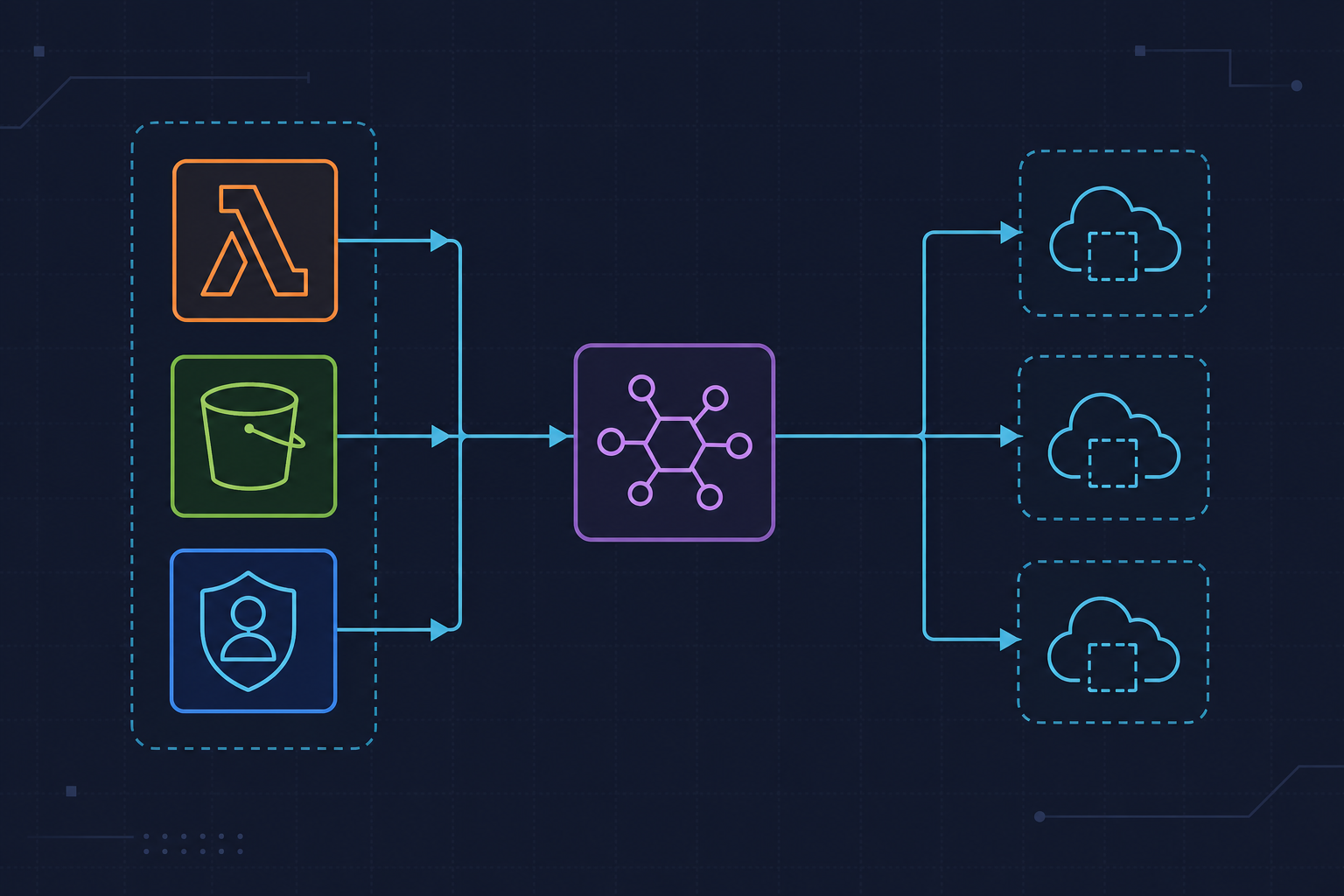
The implementation has three layers: an S3 bucket as the documentation source, an OpenSearch Serverless collection as the vector store, and the Bedrock Knowledge Base resource that wires them together. I’ll cover two important gotchas before the code, because they cost us an afternoon of debugging.
Watch out for this: The S3 source bucket must be in the same AWS region as the Knowledge Base. Cross-region sources are not supported, and the API will not tell you this clearly — it simply fails to ingest. We had our runbooks bucket in us-west-2 and tried to create the Knowledge Base in us-east-1. The Knowledge Base created successfully. The ingestion job completed with zero documents indexed. No error. Thirty minutes of debugging a perfectly valid configuration before we checked the region constraint in the Bedrock Knowledge Bases documentation.
Watch out for this too: The OpenSearch Serverless collection type must be VECTORSEARCH. Using TIMESERIES or SEARCH causes the Knowledge Base creation to fail with a ValidationException that mentions “incompatible collection type” — which is clear enough once you know what to look for, but easy to miss if you’re copying an existing OSS collection config from another project.
The IAM role for the Knowledge Base needs two permissions that are easy to miss together: s3:GetObject on the source bucket, and aoss:APIAccessAll on the OpenSearch Serverless collection. Missing the AOSS policy is the single most common deployment blocker we’ve seen across three separate team setups.
Here’s the Terraform that creates the full stack. We’re using Titan Embeddings V2 for the embedding model — it handles English operational text well and costs less than Cohere at our query volume. OpenSearch Serverless minimum is two OCUs (one indexing, one search), which runs about $175/month. For a low-traffic internal tool, Aurora pgvector is 60–70% cheaper at comparable latency, but OSS is simpler to operate and scales automatically if your team grows.
# bedrock_knowledge_base.tf
# Terraform >= 1.7, AWS provider >= 5.40.0
# Creates: S3 source bucket, Bedrock Knowledge Base, OpenSearch Serverless collection

resource "aws_s3_bucket" "runbooks" {
  bucket = "ops-runbooks-bedrock-source-${var.environment}"
  # IMPORTANT: bucket must be in same region as Knowledge Base
}

resource "aws_s3_bucket_server_side_encryption_configuration" "runbooks" {
  bucket = aws_s3_bucket.runbooks.id
  rule {
    apply_server_side_encryption_by_default {
      sse_algorithm     = "aws:kms"
      kms_master_key_id = var.kms_key_arn  # pass same key to Knowledge Base below
    }
  }
}

resource "aws_bedrockagent_knowledge_base" "ops_docs" {
  name     = "ops-runbooks-kb"
  role_arn = aws_iam_role.bedrock_kb.arn

  knowledge_base_configuration {
    type = "VECTOR"
    vector_knowledge_base_configuration {
      # Titan Embeddings V2 — 1536 dimensions, supports English operational text
      embedding_model_arn = "arn:aws:bedrock:us-east-1::foundation-model/amazon.titan-embed-text-v2:0"
    }
  }

  storage_configuration {
    type = "OPENSEARCH_SERVERLESS"
    opensearch_serverless_configuration {
      collection_arn    = aws_opensearchserverless_collection.vectors.arn
      vector_index_name = "ops-runbooks-index"
      field_mapping {
        vector_field   = "bedrock-knowledge-base-default-vector"
        text_field     = "AMAZON_BEDROCK_TEXT_CHUNK"
        metadata_field = "AMAZON_BEDROCK_METADATA"
      }
    }
  }
}

resource "aws_bedrockagent_data_source" "runbooks_s3" {
  knowledge_base_id = aws_bedrockagent_knowledge_base.ops_docs.id
  name              = "runbooks-s3-source"

  data_source_configuration {
    type = "S3"
    s3_configuration {
      bucket_arn = aws_s3_bucket.runbooks.arn
    }
  }

  vector_ingestion_configuration {
    chunking_configuration {
      chunking_strategy = "FIXED_SIZE"
      fixed_size_chunking_configuration {
        max_tokens         = 300
        overlap_percentage = 20  # 20% overlap preserves context across chunk boundaries
      }
    }
  }
}

# EventBridge rule: re-sync Knowledge Base when new runbook lands in S3
resource "aws_cloudwatch_event_rule" "s3_runbook_upload" {
  name = "bedrock-kb-sync-on-runbook-upload"
  event_pattern = jsonencode({
    source      = ["aws.s3"]
    detail-type = ["Object Created"]
    detail = {
      bucket = { name = [aws_s3_bucket.runbooks.bucket] }
    }
  })
}
One note on encryption: enable SSE-KMS on the source bucket and pass the same KMS key ARN to the Knowledge Base configuration. Runbooks frequently contain internal hostnames, connection strings, and escalation contacts. Storing them unencrypted at rest in the vector index is a security gap that’s easy to overlook because the ingestion pipeline doesn’t warn you.
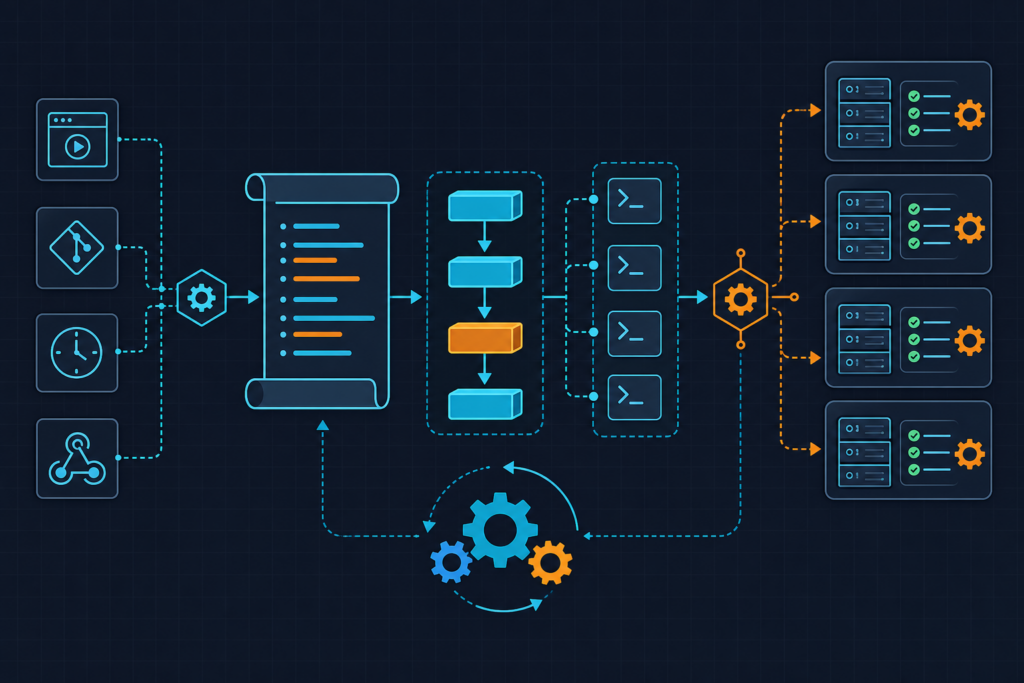
Ingestion is not real-time. After a document lands in S3, expect a 2–8 minute lag before it’s queryable. The EventBridge rule above triggers a StartIngestionJob automatically on S3 object creation, so your index stays fresh without manual intervention. For a 50-document corpus, ingestion typically completes in under five minutes.
Wiring It Into Your Incident Workflow
The Knowledge Base only helps if engineers actually use it during incidents. Telling people “go to the AWS console and query the Knowledge Base” doesn’t work under pressure. We wired it directly into Slack via a Lambda-backed slash command: /ask-runbook "RDS failover steps". The answer appears in the channel thread within three seconds, with citations showing which S3 file each chunk came from.
One thing that tripped up two engineers on our team: the correct SDK method is client.retrieve_and_generate() on the bedrock-agent-runtime client — not client.invoke_model() on the bedrock-runtime client. They’re different service clients entirely. Using invoke_model() bypasses the Knowledge Base retrieval layer and talks directly to the foundation model, which will confidently hallucinate procedures that don’t exist in your documentation. I stopped trusting any runbook Q&A answer after this happened once in a staging incident drill.
We set maxTokens to 512 and temperature to 0.0. The token cap keeps answers readable in Slack without truncating critical steps. Zero temperature makes responses deterministic — for operational procedures, you don’t want creative variation between queries. We also filter out retrieval results with a score below 0.4 in application logic, so low-confidence chunks don’t pollute the cited sources list. The RetrieveAndGenerate API reference documents the full response schema including the score field per retrieved reference.
Cost at our query volume runs approximately $0.008–$0.015 per query, combining Titan Embeddings V2 ingestion cost with Claude 3 Sonnet inference on retrieval. At 200 incident queries per month, that’s under $3. The OpenSearch Serverless OCU cost dominates the budget by a wide margin — the per-query inference cost is essentially rounding error.
# lambda_function.py
# Slack slash command handler: /ask-runbook "<question>"
# Runtime: Python 3.12, boto3 >= 1.34.0
# Required env vars: KNOWLEDGE_BASE_ID, MODEL_ARN, SLACK_BOT_TOKEN

import json
import os
import boto3
from slack_sdk import WebClient
from slack_sdk.errors import SlackApiError

bedrock_runtime = boto3.client(
    service_name="bedrock-agent-runtime",
    region_name="us-east-1"  # must match Knowledge Base region
)

slack_client = WebClient(token=os.environ["SLACK_BOT_TOKEN"])

KNOWLEDGE_BASE_ID = os.environ["KNOWLEDGE_BASE_ID"]
# Use Claude 3 Sonnet — balances cost and answer quality for runbook Q&A
MODEL_ARN = os.environ["MODEL_ARN"]
# Example: arn:aws:bedrock:us-east-1::foundation-model/anthropic.claude-3-sonnet-20240229-v1:0

def query_knowledge_base(question: str) -> dict:
    """
    Call RetrieveAndGenerate with citation mode enabled.
    Returns generated answer and source document references.
    """
    response = bedrock_runtime.retrieve_and_generate(
        input={"text": question},
        retrieveAndGenerateConfiguration={
            "type": "KNOWLEDGE_BASE",
            "knowledgeBaseConfiguration": {
                "knowledgeBaseId": KNOWLEDGE_BASE_ID,
                "modelArn": MODEL_ARN,
                "retrievalConfiguration": {
                    "vectorSearchConfiguration": {
                        # Return top 5 chunks; filter low-confidence in post-processing
                        "numberOfResults": 5
                    }
                },
                "generationConfiguration": {
                    "inferenceConfig": {
                        "textInferenceConfig": {
                            # Keep answers concise for Slack readability
                            "maxTokens": 512,
                            "temperature": 0.0  # deterministic for operational answers
                        }
                    }
                }
            }
        }
    )
    return response

def format_slack_response(bedrock_response: dict) -> str:
    """
    Extract answer text and cited source S3 keys.
    Filters out citations with retrieval score below 0.4.
    """
    answer = bedrock_response["output"]["text"]
    citations = bedrock_response.get("citations", [])

    sources = []
    for citation in citations:
        for ref in citation.get("retrievedReferences", []):
            score = ref.get("score", 0)
            if score >= 0.4:  # discard low-confidence chunks
                s3_uri = ref["location"]["s3Location"]["uri"]
                sources.append(f"• `{s3_uri}` (score: {score:.2f})")

    source_block = "\n".join(sources) if sources else "_No high-confidence sources found_"
    return f"*Answer:*\n{answer}\n\n*Sources:*\n{source_block}"

def lambda_handler(event, context):
    # Slack sends slash command payload as URL-encoded form data
    body = dict(x.split("=") for x in event["body"].split("&"))
    question = body.get("text", "").replace("+", " ")
    channel_id = body["channel_id"]

    if not question:
        return {"statusCode": 200, "body": "Please provide a question after /ask-runbook"}

    try:
        bedrock_response = query_knowledge_base(question)
        formatted = format_slack_response(bedrock_response)
        slack_client.chat_postMessage(channel=channel_id, text=formatted)
    except bedrock_runtime.exceptions.ResourceNotFoundException:
        slack_client.chat_postMessage(
            channel=channel_id,
            text="Knowledge Base not found. Check KNOWLEDGE_BASE_ID env var."
        )
    except SlackApiError as e:
        print(f"Slack error: {e.response['error']}")

    return {"statusCode": 200, "body": ""}
One format note: Bedrock Knowledge Bases supports .md, .txt, .html, .doc, .docx, .pdf, and .csv for ingestion. If your team writes runbooks in AsciiDoc (.adoc) or reStructuredText (.rst) — both unsupported — you’ll need a CI step that pre-converts them before pushing to S3. We handle this with a small Pandoc step in our GitHub Actions pipeline on merge to main. It’s two lines and it saves a confusing silent-failure when the ingestion job processes zero pages from a file it can’t parse.
Prevention Checklist — Keeping the Knowledge Base Trustworthy
The system you just built will decay into the same problem it solved unless you treat the documentation pipeline as a first-class engineering concern. Here’s what we put in place to prevent that.
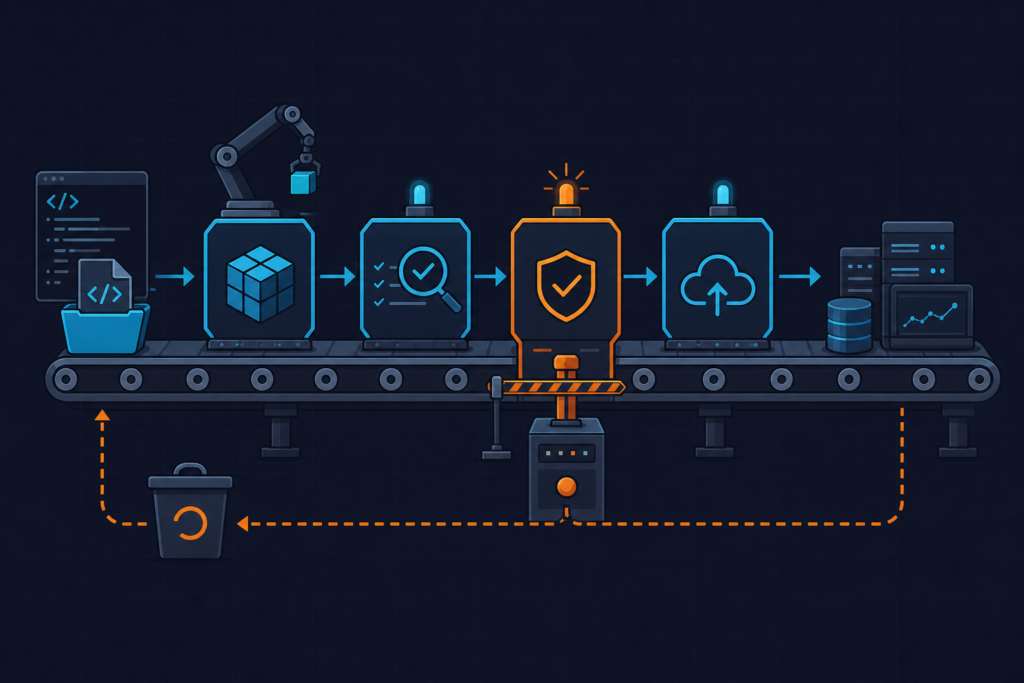
Docs-as-code with CI enforcement. Runbooks live in a Git repository. A GitHub Actions pipeline lints Markdown on every pull request (we use markdownlint-cli2) and pushes validated files to the S3 source bucket on merge to main. The CI step also converts any non-native formats via Pandoc. This means the Knowledge Base index only ever contains files that passed a review and a format check. Stale docs in someone’s local drive never reach the vector store.
Zero-query alerting. We set a CloudWatch alarm on the KnowledgeBaseQueryCount metric dropping to zero for seven consecutive days. Silence is a warning signal. It means engineers stopped trusting the tool, which is exactly what happened with our old Confluence setup before we noticed. The alarm routes to the same PagerDuty service as our monitoring alerts, but at low priority — it creates a ticket, not a page.
Quarterly retrieval score review. Bedrock logs retrieval results to CloudWatch Logs when you enable that option on the Knowledge Base. We have a scheduled Lambda that queries those logs monthly, identifies source documents where the average retrieval score across all queries is below 0.35, and creates a JIRA ticket flagging them for human review. Low scores mean the chunks from that document aren’t matching real operational questions — usually because the document is outdated, poorly structured, or covers a system that no longer exists.
Region discipline. Add a variable "aws_region" to your Terraform with a validation block that enforces it matches the region of your Bedrock-enabled account. Prevent the cross-region S3 source mistake at the infrastructure definition layer, not at debug time.
Model ARN pinning. Store the MODEL_ARN environment variable in AWS Systems Manager Parameter Store, not as a hardcoded Lambda environment variable. When Bedrock releases a new Claude version, you update one SSM parameter and all Lambda functions pick it up on next invocation — no deployment required. This also prevents the silent empty-response failure that happens when a model ARN from the wrong region is used.
The Amazon Bedrock Knowledge Bases Q&A pattern isn’t magic. It’s a retrieval layer over documentation you already have. The value comes from making that documentation queryable in natural language, with citations, at the moment an engineer needs it most. We’ve seen our incident documentation MTTR contribution drop from an average of twelve minutes to under ninety seconds since rolling this out. That’s not a metric we expected to move. It moved anyway. You can read more about how we approach AWS automation and incident tooling at kuryzhev.cloud.