Your ArgoCD sync shows green, your Liquibase Job exited 0 — and your app is still running against last week’s schema. ArgoCD Liquibase database migrations fail in ways that don’t announce themselves clearly. The dashboard lies. The logs are ambiguous. And every minute the mismatch persists, you’re one bad query away from a production incident.
This is the runbook I wish existed the first time we hit this. Three distinct failure modes, three fixes, and a prevention layer that makes the whole thing boring to operate going forward.
Symptoms: Your Database Migration Pipeline Is Broken

Before you can fix anything, you need to recognize which failure you’re actually dealing with. These three patterns cover 95% of what we’ve seen in production GitOps setups.
Symptom 1: ArgoCD Application stuck in Degraded or OutOfSync after a Liquibase Job that completed successfully. The Job pod exited 0. The SQL ran. The schema changed. ArgoCD still shows red. This happens because ArgoCD cannot re-reconcile an immutable Kubernetes Job object — once a Job with a given name exists in the cluster, ArgoCD sees a diff it can’t resolve without replacement. The health signal is misleading because the work is done, but the controller is confused about object state.
Symptom 2: All subsequent migration Jobs hang indefinitely at startup. You’ll see the Liquibase pod running but producing no meaningful output, or you’ll see this exact error in the logs:
liquibase.exception.LockException: Could not acquire change log lock.
Currently locked by 10.0.1.42 (10.0.1.42) since 2024-03-15 08:23:11.
The DATABASECHANGELOGLOCK table has a row with LOCKED=1 and nobody is home to release it. A previous Job pod was OOMKilled or evicted mid-migration, the lock was never released, and there is no native TTL mechanism in Liquibase to expire it automatically.
Symptom 3: Kubernetes Job marked Failed despite SQL changes being partially applied. This is the worst one. Your schema is in a split-brain state — some changesets ran, the Liquibase tracking table (DATABASECHANGELOG) is partially updated, and neither the DB nor Liquibase agrees on what “current” means. Retrying blindly makes this worse, especially if any changesets have runOnChange: true.
Root Cause: Why GitOps and Stateful Migrations Conflict
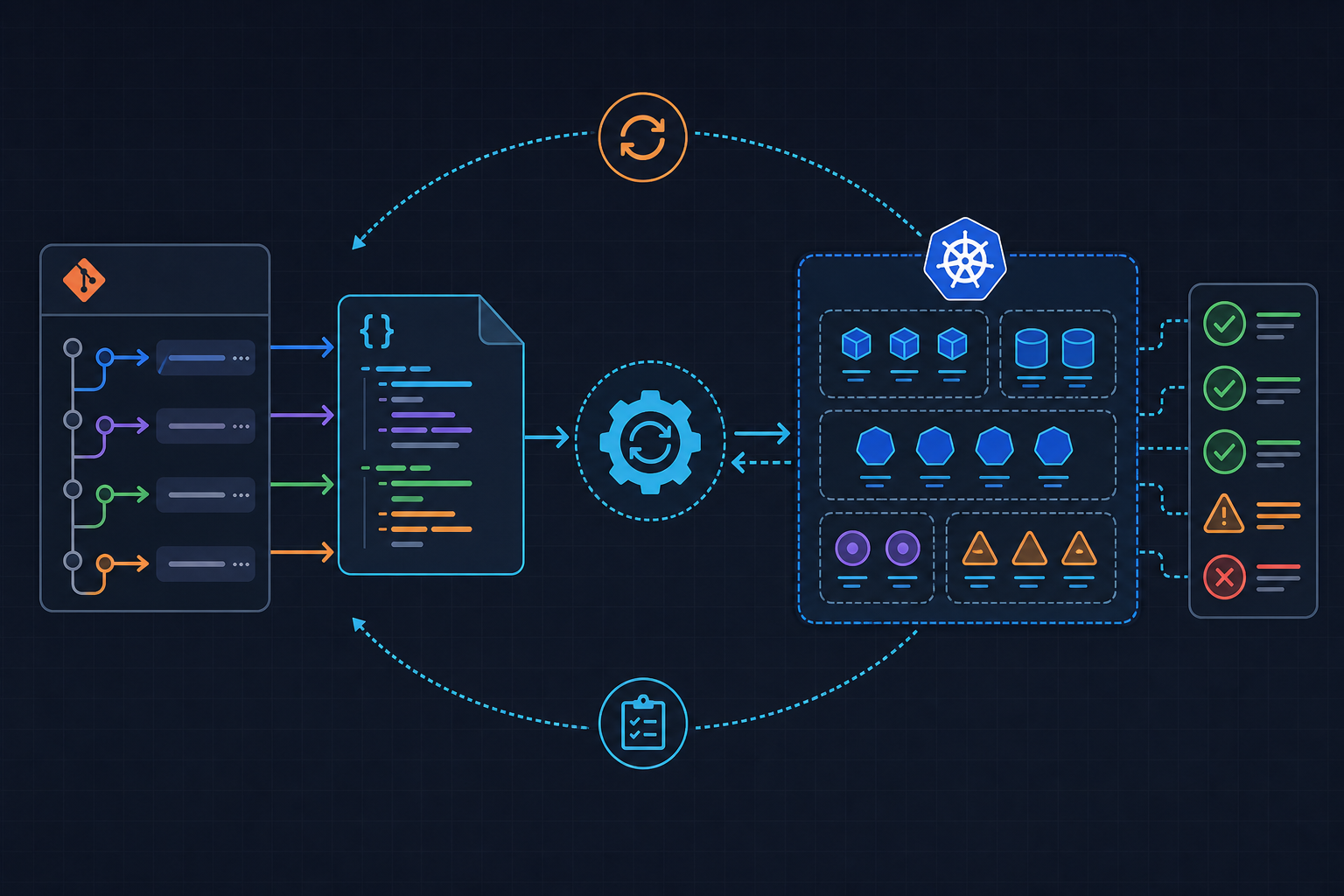
The core tension here is architectural. ArgoCD operates on a declarative reconciliation loop — it continuously compares desired state (Git) against actual state (cluster) and converges them. Liquibase operates imperatively — it runs once, mutates external state (the database), and records what it did in a tracking table. These two models are fundamentally incompatible without deliberate guardrails.
Kubernetes Jobs are immutable after creation. ArgoCD re-applies manifests on every sync cycle, but it cannot re-run a failed Job without a manifest change that produces a new object name. If your Job is named liquibase-migrate every deploy, ArgoCD sees the existing completed Job, compares it to the manifest, finds a diff in status fields, and gets stuck in perpetual OutOfSync. It has no path to resolution.
Liquibase’s advisory lock has no expiry. The lock row in DATABASECHANGELOGLOCK persists until explicitly released. If a Job pod is killed mid-execution — OOMKill, node eviction, timeout — the lock stays. Liquibase 4.24+ introduced the --lock-wait-time flag (in minutes) which at least gives you a timeout instead of an infinite hang, but versions below that just wait forever.
Helm hooks and ArgoCD sync waves are frequently confused. I’ve seen teams add helm.sh/hook: pre-upgrade to their Liquibase Job and wonder why it never respects ordering. Here’s the gotcha: Helm hooks are completely ignored when ArgoCD manages the release directly as a non-Helm Application type. If you’re using ArgoCD with a Kustomize or plain manifest source, those annotations do nothing. Sync waves (argocd.argoproj.io/sync-wave) are the correct mechanism, but they’re silently ignored too if the Job is inside a Helm chart without proper ArgoCD managed-by configuration.
One more thing worth calling out: ArgoCD v2.9+ introduced proper resource health checks for batch/v1/Job. Versions below 2.9 return Healthy for any Job regardless of exit code. If you’re on an older version and wondering why ArgoCD never catches your migration failures — that’s why. Check your ArgoCD version before spending three hours debugging Lua scripts.
Fix #1: Resolve the Stuck ArgoCD Sync with Job Naming Strategy
The immediate unblock for a frozen pipeline is making your Jobs re-triggerable without manual kubectl delete job intervention. The fix is a unique Job name per deploy combined with proper cleanup configuration.
Append the image tag or Git commit SHA to the Job name so each deploy produces a distinct Kubernetes object. Pair this with ttlSecondsAfterFinished: 300 so completed Jobs self-destruct after five minutes, preventing OutOfSync drift accumulation as old Job objects pile up. Also scope Replace=true to the Job resource specifically — don’t apply it to the entire Application or you’ll nuke running pods during syncs.
Watch out for this: ttlSecondsAfterFinished requires the TTL Controller feature gate, which is enabled by default in Kubernetes 1.23+. On older clusters it silently does nothing. Verify with kubectl api-resources | grep jobs and check your cluster version before relying on it.
The following manifest shows the complete Job spec with all three of these settings applied together:
# k8s/overlays/production/liquibase-job.yaml
# Migration Job — wave -1 ensures it runs before app Deployment (wave 0)
apiVersion: batch/v1
kind: Job
metadata:
  name: liquibase-migrate-{{ .Values.image.tag }}   # unique name per deploy prevents stuck sync
  namespace: myapp-production
  annotations:
    argocd.argoproj.io/sync-wave: "-1"              # run before app pods (wave 0)
    argocd.argoproj.io/sync-options: "Replace=true" # allow ArgoCD to replace completed Jobs
spec:
  backoffLimit: 0                    # no retries — migrations are not safely retryable
  activeDeadlineSeconds: 300         # hard timeout; matches --lock-wait-time=5 minutes
  ttlSecondsAfterFinished: 300       # auto-cleanup after 5 min; requires k8s 1.23+
  template:
    spec:
      restartPolicy: Never
      containers:
        - name: liquibase
          image: liquibase/liquibase:4.24.0          # pin exact version — never use latest
          args:
            - "--changeLogFile=/liquibase/changelog/db.changelog-master.yaml"
            - "--url=$(DB_URL)"
            - "--username=$(DB_USER)"
            - "--password=$(DB_PASSWORD)"
            - "--contexts=production"               # scope to environment — omitting this applies ALL changesets
            - "--lock-wait-time=5"                  # timeout instead of hang (Liquibase 4.24+ only)
            - "--log-level=INFO"                    # DEBUG generates 10-50x more logs — causes OOMKill
            - "--failOnError=true"                  # surface errors; no silent partial apply
            - "update"
          envFrom:
            - secretRef:
                name: liquibase-db-credentials      # never inline credentials in values.yaml
          volumeMounts:
            - name: changelog
              mountPath: /liquibase/changelog
      volumes:
        - name: changelog
          configMap:
            name: liquibase-changelog               # changelog files stored as ConfigMap
Fix #2: Release the Liquibase Changelog Lock Safely
If you’re hitting the lock exception, the database is stuck. Here’s how to recover without risking data corruption or skipped changesets.
First, verify the lock state before touching anything. Connect to the database and run:
-- Check lock state before releasing
-- If LOCKED=1 and LOCKGRANTED is older than your Job timeout, it is safe to release
SELECT * FROM DATABASECHANGELOGLOCK;
If LOCKED=1 and the LOCKGRANTED timestamp is older than your Job’s activeDeadlineSeconds, the lock is orphaned. Do not manually DELETE FROM DATABASECHANGELOGLOCK — this bypasses Liquibase’s internal state validation and can leave the table in an inconsistent state that causes strange behavior on the next run.
Instead, run liquibase releaseLocks via a one-shot debug Job using the same image and credentials your production Job uses. This goes through Liquibase’s own release path and properly resets the lock state. After releasing, also add these two properties to your liquibase.properties to suppress non-fatal errors that frequently mask the real lock failure in logs:
# liquibase.properties
# These suppress noise that hides the real error in production logs
liquibase.hub.mode=off          # disable telemetry — also prevents schema metadata leakage to external endpoints
liquibase.secureParsing=false   # suppress XML parsing warnings that flood logs in some changelog formats
Security note here: Liquibase Hub telemetry is enabled by default in versions below 4.20. If you’re running an older image and haven’t set liquibase.hub.mode=off, your schema metadata is being sent to an external endpoint on every run. Set this regardless of your version.
Fix #3: Enforce Sync Wave Ordering to Prevent Race Conditions
The previous fixes are reactive. This one prevents the race condition where your application pods start before the migration Job finishes — which causes startup errors, failed health checks, and sometimes data corruption if your app writes to columns that don’t exist yet.
Assign argocd.argoproj.io/sync-wave: "-1" to the Liquibase Job and argocd.argoproj.io/sync-wave: "0" to the application Deployment. ArgoCD waits for all wave -1 resources to reach a healthy state before processing wave 0. But this only works if ArgoCD’s health check for Jobs is accurate — and by default, it isn’t.
The default health check returns Healthy prematurely. You need a custom Lua health check in argocd-cm that correctly maps Job completion status to ArgoCD health states. The following ConfigMap patch implements this and also prevents ttlSecondsAfterFinished from causing spurious OutOfSync alerts after Job cleanup:
# argocd-cm-patch.yaml
# Apply with: kubectl patch configmap argocd-cm -n argocd --patch-file argocd-cm-patch.yaml
apiVersion: v1
kind: ConfigMap
metadata:
  name: argocd-cm
  namespace: argocd
data:
  # Custom health check: Healthy only on successful completion, Degraded on failure
  resource.customizations.health.batch_v1_Job: |
    hs = {}
    if obj.status ~= nil then
      if obj.status.succeeded ~= nil and obj.status.succeeded > 0 then
        hs.status = "Healthy"
        hs.message = "Migration job completed successfully"
        return hs
      end
      if obj.status.failed ~= nil and obj.status.failed > 0 then
        hs.status = "Degraded"
        -- Include job name in message so engineers know exactly which kubectl logs command to run
        hs.message = "Migration job failed — check logs: kubectl logs job/" .. obj.metadata.name
        return hs
      end
    end
    hs.status = "Progressing"
    hs.message = "Migration job is running"
    return hs

  # Prevent ArgoCD from flagging ttlSecondsAfterFinished as OutOfSync after Job completes
  resource.customizations.ignoreDifferences: |
    - group: batch
      kind: Job
      jsonPointers:
        - /spec/ttlSecondsAfterFinished
One more layer worth adding: use an initContainer in your application Deployment that runs liquibase status --verbose and exits 0 only when zero pending changesets remain. This is a secondary guard that catches the edge case where ArgoCD’s wave ordering is bypassed by a manual sync or a misconfigured Application. Do not use kubectl rollout status for this — it requires the kubectl binary in your app image and bloats your container unnecessarily. Liquibase’s own status command is the right tool.
See the ArgoCD official health check documentation for the full Lua API reference, and the Liquibase update command reference for all supported flags including --lock-wait-time.
Prevention: Hardening Your GitOps Migration Pipeline
Once you’ve recovered from an incident, the goal is making this entire class of failures structurally impossible. These three controls cover the repo, pipeline, and runtime layers.
Gate PRs with dry-run validation before ArgoCD ever sees the changeset. Run liquibase validate and liquibase updateSQL in CI on every PR that touches a changelog file. validate catches malformed XML/YAML structure. updateSQL generates the actual SQL without executing it — review it in the PR diff. This catches the majority of issues that cause lock conflicts and partial applies in production, long before they reach your cluster.
Enforce --failOnError=true and contexts tagging per environment. Without contexts, a multi-environment repo will apply every changeset regardless of target environment. I’ve seen staging changesets land in production this way. Tag every changeset with its target context and always pass --contexts=production (or staging) explicitly. Never rely on the default behavior.
Keep credentials out of everything except Kubernetes Secrets. Store Liquibase DB credentials in a Kubernetes Secret referenced via envFrom. Audit your current setup with this one-liner — if it returns anything, you have a problem:
# Audit pipeline for inlined credentials — run this as part of your CI lint step
kubectl get job -n myapp-production -o yaml | grep -i password
Watch out for one final gotcha: the --contexts flag syntax in the Liquibase CLI is --contexts=production with an equals sign. Some versions also accept --context (singular) but the behavior differs in older releases. Pin your Liquibase image version and test the exact flag syntax against that version in a staging run before promoting to production. Silent no-ops from a mismatched flag name have burned us before.
For more patterns around GitOps pipeline structure and Kubernetes deployment hardening, the DevOps_DayS runbooks and guides cover related operational scenarios in depth.