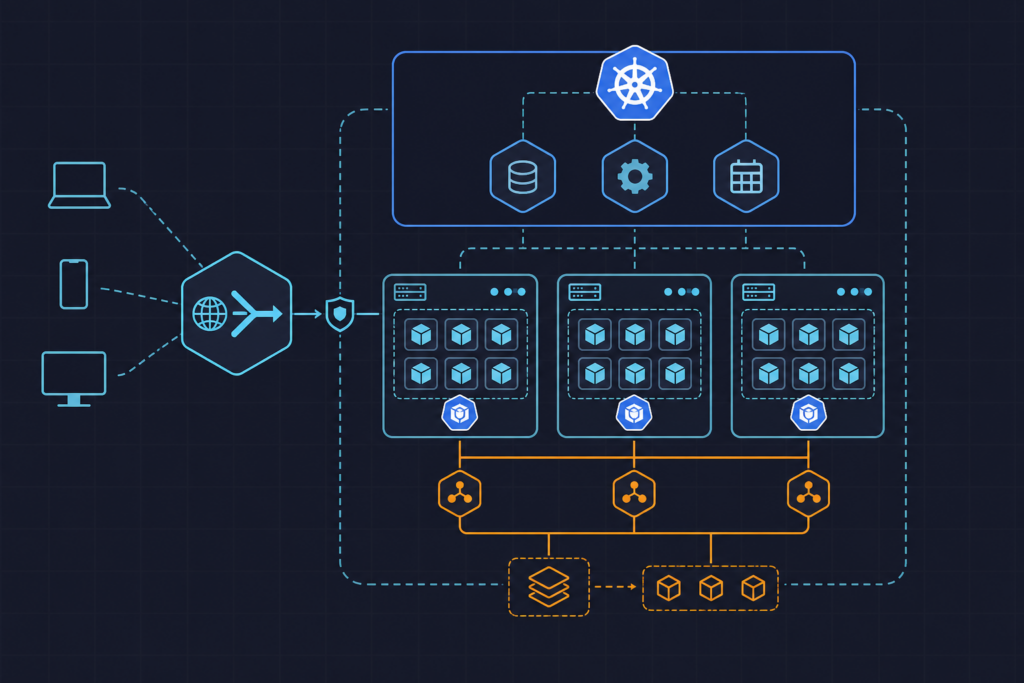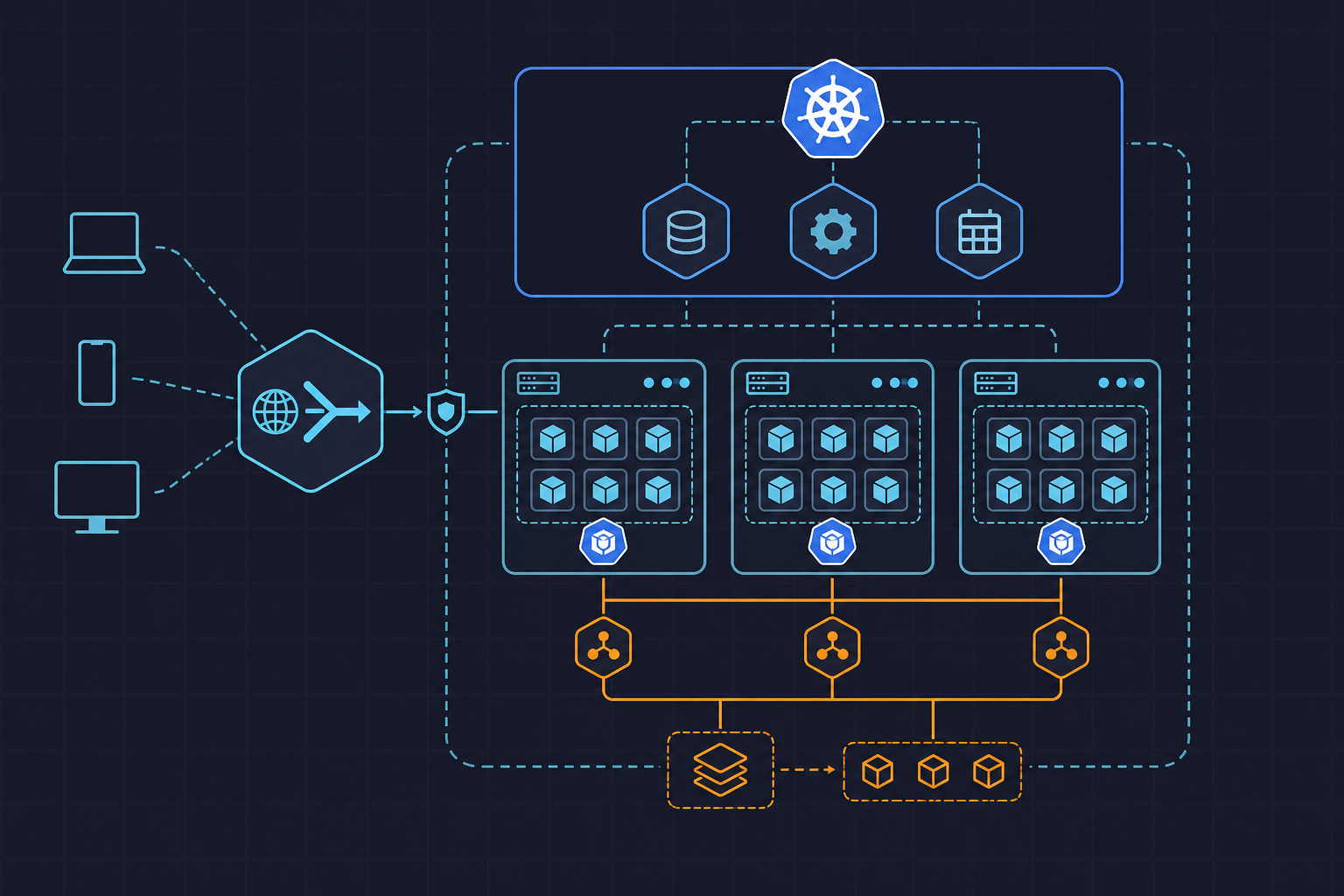
Kubernetes HPA and VPA rightsizing for production autoscaling is one of those topics where the official documentation tells you what the fields do, but rarely explains what breaks when you combine them incorrectly. The failure mode is subtle: both controllers fight over the same resource dimension, VPA evicts pods to apply memory recommendations just as HPA is scaling out, and you end up with cascading restarts under peak load — exactly when stability matters most.
The approach we’ll follow here is strict resource ownership. HPA owns CPU scaling. VPA owns memory recommendations. This separation is not a preference — it is the only configuration that avoids a feedback loop between the two controllers in a live production environment.
Requirements

Before deploying any autoscaling resource, the cluster needs a working metrics pipeline and the VPA admission controller installed. Without these, HPA targets are silently ignored and VPA recommendations never materialize.
Start with metrics-server, which feeds the kubelet → metrics-server → kube-apiserver → HPA controller loop. The HPA controller polls this pipeline every 15 seconds by default — a value you can tune via the --horizontal-pod-autoscaler-sync-period flag on kube-controller-manager, though the default is appropriate for most workloads.
kubectl apply -f https://github.com/kubernetes-sigs/metrics-server/releases/latest/download/components.yamlVerify it is running and returning node and pod metrics before proceeding:
kubectl top nodes
kubectl top pods -n production
For VPA, clone the Kubernetes autoscaler repository and apply the CRD manifests and admission controller. The CRD file path within the repo is vertical-pod-autoscaler/deploy/vpa-v1-crd-gen.yaml. The admission controller is what intercepts pod creation and injects adjusted resource requests — without it, VPA only produces recommendations with no enforcement.
# From the cloned autoscaler repo root
kubectl apply -f vertical-pod-autoscaler/deploy/vpa-v1-crd-gen.yaml
./vertical-pod-autoscaler/hack/vpa-up.sh
On the RBAC side, confirm that the system:vpa-actor cluster role exists and is bound to the VPA updater service account. If you are running a managed Kubernetes service (EKS, GKE, AKE), the VPA components may need explicit IAM or workload identity bindings depending on your node authorization mode.
One prerequisite that is frequently missed: every container in your target Deployment must declare resources.requests. HPA percentage-based targets are calculated against these values. A container without requests renders the CPU utilization metric undefined, and the HPA will not scale. This is the most common silent failure in new autoscaling setups. If you are building out the surrounding infrastructure as code, the kuryzhev.cloud DevOps_DayS archive has worked examples of Terraform module wiring and Kubernetes manifest patterns you can reference.
Implementation
The configuration below deploys three resources: a Deployment with explicit resource requests and limits, an HPA using the autoscaling/v2 API (the v1 API group is deprecated as of Kubernetes 1.25), and a VPA object scoped exclusively to memory recommendations.
Pay attention to the VPA updateMode. Setting it to Auto on a deployment that HPA is also managing will cause the VPA updater to evict pods to apply new memory values — potentially disrupting an active scale-out event. We use Initial here, which means VPA recommendations are applied only when new pods are scheduled, not to running instances. If your workload tolerates brief disruption during off-peak windows, Recreate is an option, but Auto on memory while HPA controls CPU replicas is still safe — just confirm your PodDisruptionBudget is set before enabling it.
The HPA behavior block is equally important. The default scaleDown.stabilizationWindowSeconds is 300 seconds, which is often too conservative for web services with sharp traffic drops — you end up paying for idle replicas. We reduce it to 180 seconds here. The scale-up policy allows bursting by up to 4 pods per 60-second window, which prevents the HPA from adding a single pod at a time during a traffic spike.
# hpa-vpa-rightsizing.yaml
# Deploy HPA (CPU) + VPA (memory) for a production web service
# Rule: HPA owns CPU scaling, VPA owns memory recommendations only

---
apiVersion: autoscaling/v2
kind: HorizontalPodAutoscaler
metadata:
  name: web-service-hpa
  namespace: production
spec:
  scaleTargetRef:
    apiVersion: apps/v1
    kind: Deployment
    name: web-service
  minReplicas: 2
  maxReplicas: 20
  metrics:
    - type: Resource
      resource:
        name: cpu
        target:
          type: Utilization
          averageUtilization: 60
  behavior:
    scaleUp:
      stabilizationWindowSeconds: 60
      policies:
        - type: Pods
          value: 4
          periodSeconds: 60
    scaleDown:
      stabilizationWindowSeconds: 180
      policies:
        - type: Percent
          value: 25
          periodSeconds: 90

---
apiVersion: autoscaling.k8s.io/v1
kind: VerticalPodAutoscaler
metadata:
  name: web-service-vpa
  namespace: production
spec:
  targetRef:
    apiVersion: apps/v1
    kind: Deployment
    name: web-service
  updatePolicy:
    updateMode: "Initial"   # avoid live evictions; apply on new pods only
  resourcePolicy:
    containerPolicies:
      - containerName: web-service
        controlledResources:
          - memory             # VPA controls memory only; CPU left to HPA
        minAllowed:
          memory: 128Mi
        maxAllowed:
          memory: 2Gi
        controlledValues: RequestsAndLimits

---
apiVersion: apps/v1
kind: Deployment
metadata:
  name: web-service
  namespace: production
spec:
  replicas: 2
  selector:
    matchLabels:
      app: web-service
  template:
    metadata:
      labels:
        app: web-service
    spec:
      containers:
        - name: web-service
          image: nginx:1.27
          resources:
            requests:
              cpu: "250m"
              memory: "256Mi"
            limits:
              cpu: "1000m"
              memory: "512Mi"
Apply the manifest and confirm all three resources are accepted by the API server:
kubectl apply -f hpa-vpa-rightsizing.yaml
kubectl get hpa,vpa,deployment -n production
If your workload depends on external queue depth, request rate, or any metric not available through metrics-server, replace the HPA with a KEDA ScaledObject at API group keda.sh/v1alpha1. KEDA manages its own HPA object internally and supports dozens of external metric sources. The VPA configuration above is fully compatible with KEDA-managed scaling.
One final note on VPA’s recommendation headroom: the VPA recommender applies a default 15% margin above observed peak usage via the --recommendation-margin-fraction flag. For memory-intensive workloads with irregular spikes, consider raising this to 0.25 to reduce OOMKill frequency between recommendation cycles.
Test the Setup
Synthetic load testing is the only reliable way to confirm that the HPA and VPA are responding as expected before a real traffic event exposes a misconfiguration. We use hey here for simplicity, but k6 with a ramping virtual user profile gives more control over the load shape.
First, expose the service locally if you are testing against a staging cluster:
kubectl port-forward svc/web-service 8080:80 -n productionRun a sustained load test that will push CPU utilization above the 60% HPA threshold:
# Install hey: go install github.com/rakyll/hey@latest
hey -z 3m -c 50 -q 100 http://localhost:8080/
In a separate terminal, watch HPA events and replica counts in real time:
kubectl get hpa web-service-hpa -n production -wYou should see REPLICAS increase within two to three poll cycles (30–45 seconds) once CPU utilization crosses the target. To inspect the HPA decision log:
kubectl describe hpa web-service-hpa -n productionFor VPA recommendations, query the VPA object after the load test has run for several minutes:
kubectl describe vpa web-service-vpa -n productionLook for the Recommendation section under each container. If the recommended memory lower bound is significantly above your current request of 256Mi, update the Deployment — VPA in Initial mode will apply the new value on the next pod creation without evicting running instances.
To confirm pods are not being OOMKilled, check restart counts and the reason for any recent restarts:
kubectl get pods -n production -o wide
kubectl describe pod <pod-name> -n production | grep -A5 "Last State"
If you see OOMKilled in Last State, the memory limit is too low relative to actual usage. Cross-reference the VPA recommendation and raise maxAllowed.memory or the Deployment limit accordingly. CPU throttling is less visible but equally damaging to latency — check container CPU throttle metrics in Prometheus if available, or use kubectl top pod --containers -n production as a quick sanity check.
- Confirm HPA is using
autoscaling/v2— running v1 on Kubernetes 1.25+ produces deprecation warnings and loses thebehaviorblock entirely. - Keep
minReplicas: 2on every production HPA object to prevent single-pod exposure during scale-down. - Never assign VPA
controlledResources: [cpu]on the same Deployment where HPA is managing CPU — the two controllers will produce conflicting states. - VPA in
Automode requires aPodDisruptionBudgetto prevent simultaneous eviction of all replicas during a recommendation update cycle. - After any change to HPA
behaviorwindows, re-run the load test — stabilization window changes do not take effect on in-progress scaling events. - Review the official Kubernetes HPA documentation when upgrading cluster versions, as metric API compatibility changes between minor releases.