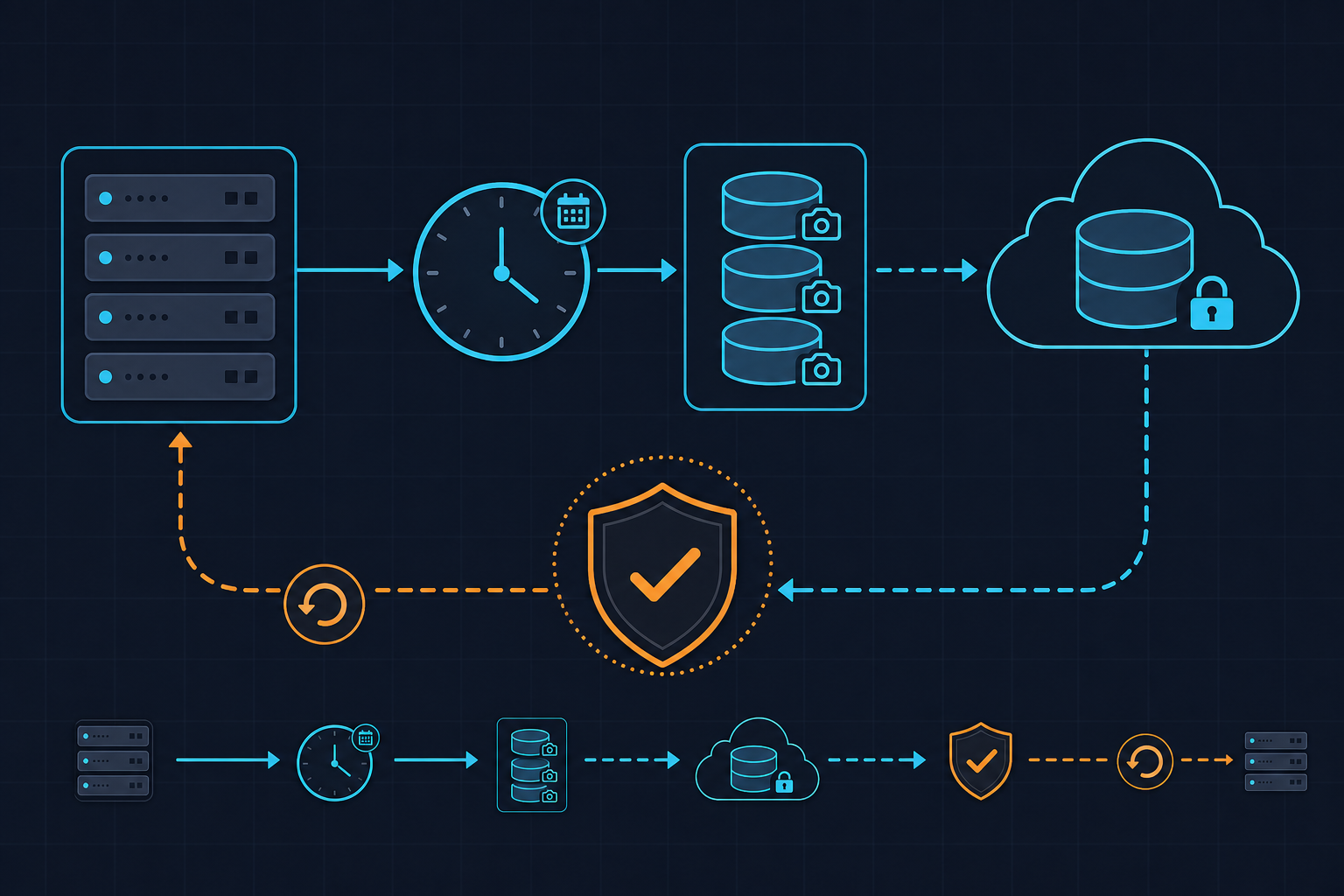
This script creates a nightly local archive, uploads it to S3, and keeps only the latest local backup file. It is a simple baseline for small WordPress environments that need predictable, automated backup behavior.
What the Script Does
- Creates backup directory if missing
- Zips the site directory with date-based filename
- Uploads backup archive to S3
- Removes older local backup files based on retention count
Night Backup Script
#!/bin/bash

log_file="/var/log/nightly_backup.log"
site="/var/www/html/site"
backup_dir="/var/www/html/backups"
s3_bucket="some-backup-s3-bucket"
backup_count=1

# Function to write log with timestamp
log_entry() {
echo "$(date +'%Y-%m-%d %H:%M:%S') - $1" >> "$log_file"
}

mkdir -p "$backup_dir"

# Create a new backup
current_date=$(date +%Y-%m-%d)
backup_file="$backup_dir/my_site-$current_date.zip"
log_entry "Creating backup: $backup_file"
zip -r "$backup_file" "$site" >> "$log_file" 2>&1

# Upload the backup to S3
log_entry "Uploading backup to AWS S3 bucket"
/usr/local/bin/aws s3 cp "$backup_file" "s3://$s3_bucket/night_backups/" >> "$log_file" 2>&1

# Remove old backups
cd "$backup_dir"
old_backups=$(ls -t | tail -n +$((backup_count + 1)))
if [ -n "$old_backups" ]; then
log_entry "Removing old backups"
rm $old_backups >> "$log_file" 2>&1
fi
Operational Recommendations
- Add cron scheduling (for example daily at night) and ensure non-overlapping execution.
- Quote and validate paths when extending the script for multiple sites.
- Use IAM role or least-privilege keys for S3 write access.
- Periodically test restore, not only backup creation.
Official Documentation
- Bash Reference Manual: https://www.gnu.org/software/bash/manual/
- AWS CLI S3 Command Reference: https://docs.aws.amazon.com/cli/latest/reference/s3/